Descriptions:
1. Press and hold the MODE button to start recording, then press and hold the MODE button again to cancel the recording function and play the recording file;
2. When recording, it is more necessary to connect a storage device, such as a USB flash drive or TF card;Under the storage device, such as a USB flash drive or TF card, long press the PLAY/PAUSE button (play/pause) to enter the recording folder and play the recording file.
Features:
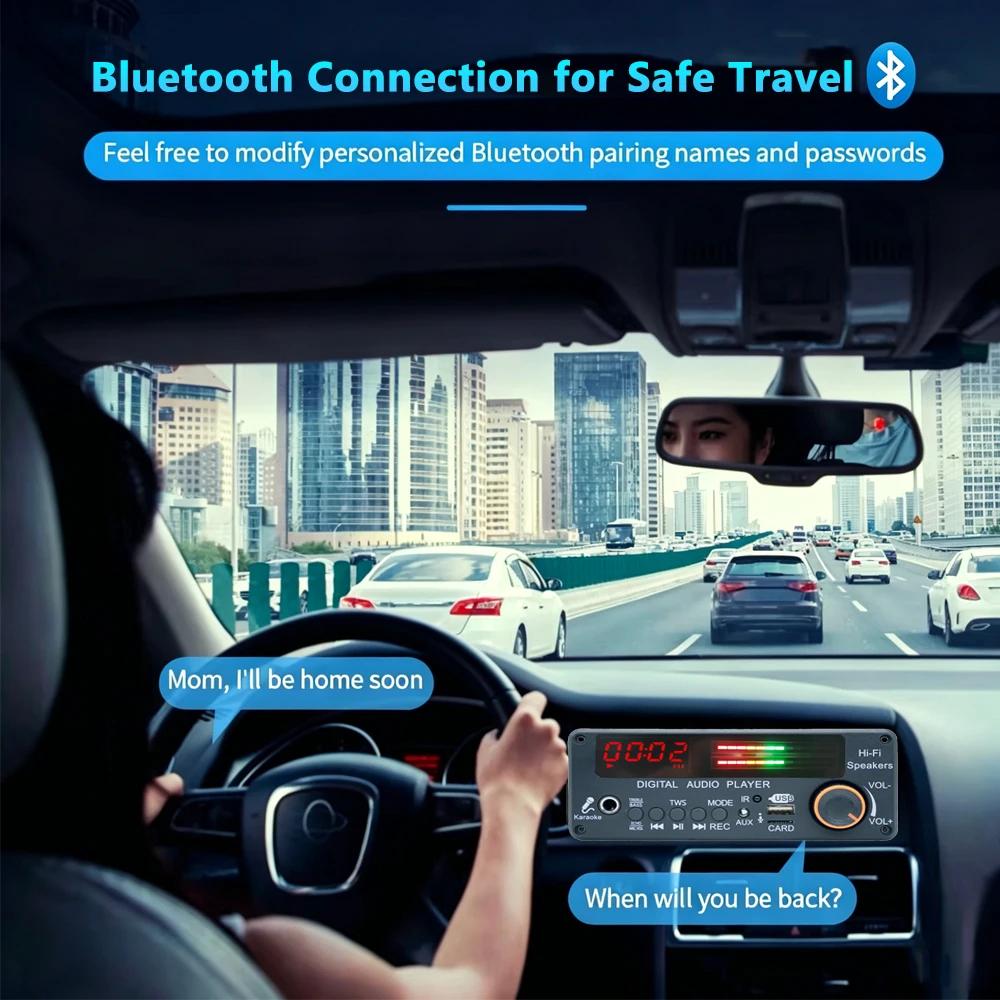
1. Bluetooth version 5.3, supports Bluetooth calling function, microphone interface function, recording function, folder switching function, TWS function
2. Music format: MP3/WMA/WAV/FLAC/APE lossless format music
3. Voltage DC 12V, current above 2A, FM frequency: 87-108 MHz
4. Support Function Introduction: Supports MP3/USB/TF/LINE IN/FM/BLUETOTH/Remote Control Connection
5. Support adjustment of treble/bass/microphone sound size/microphone reverberation
Specifications:
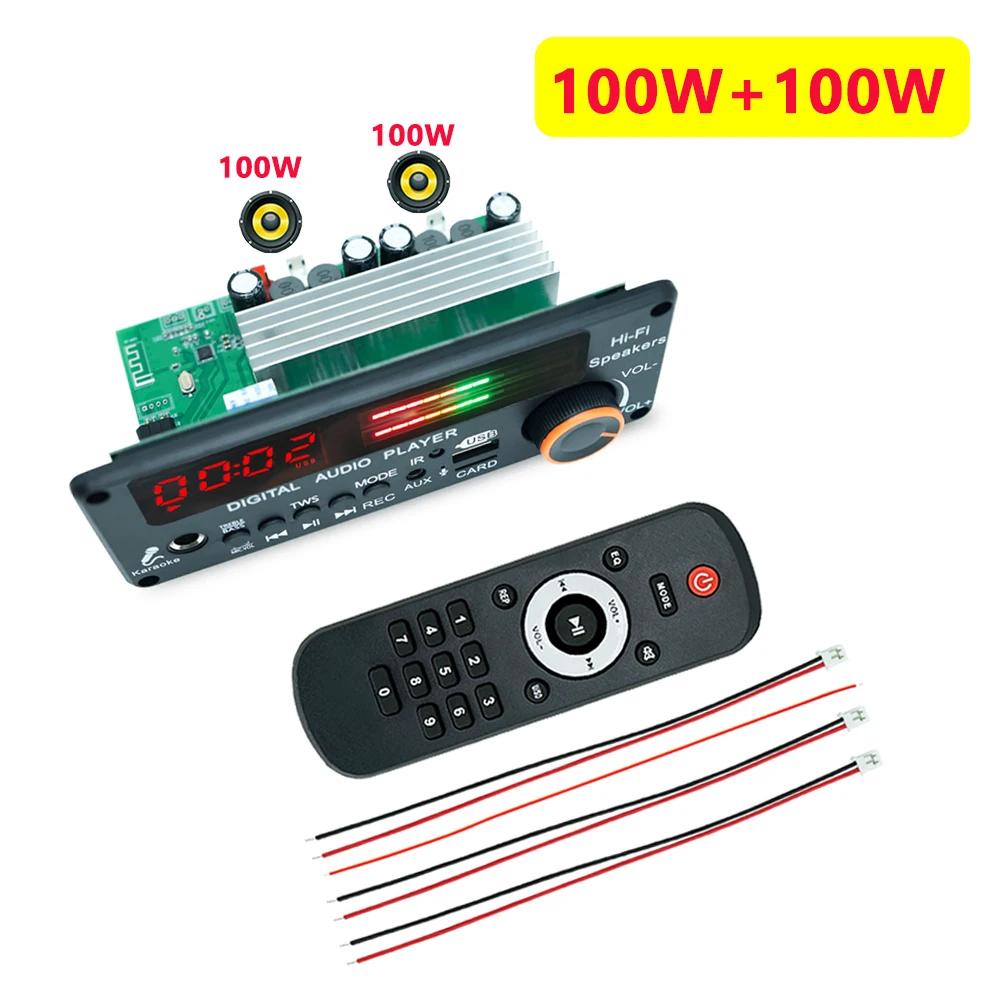
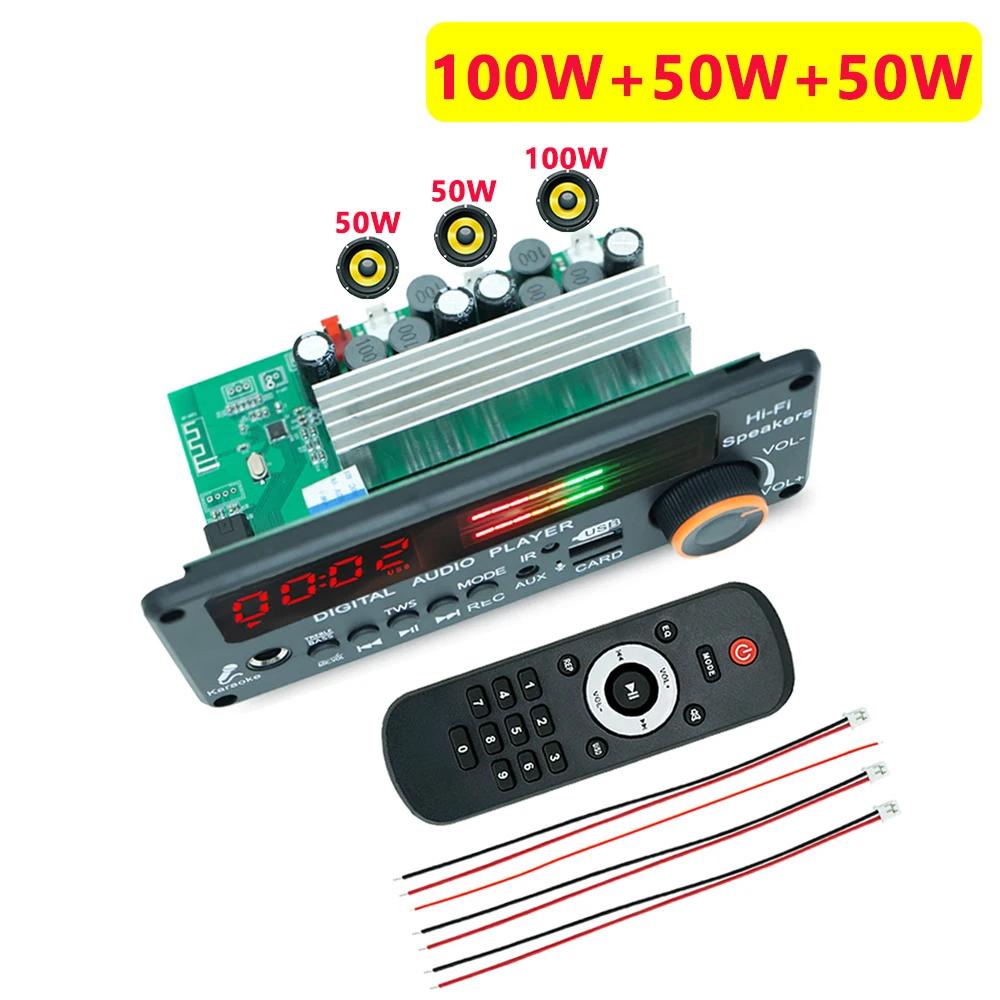
Amplifier: 200W
FM frequency: 87-108 MHz
Screen: LED screen
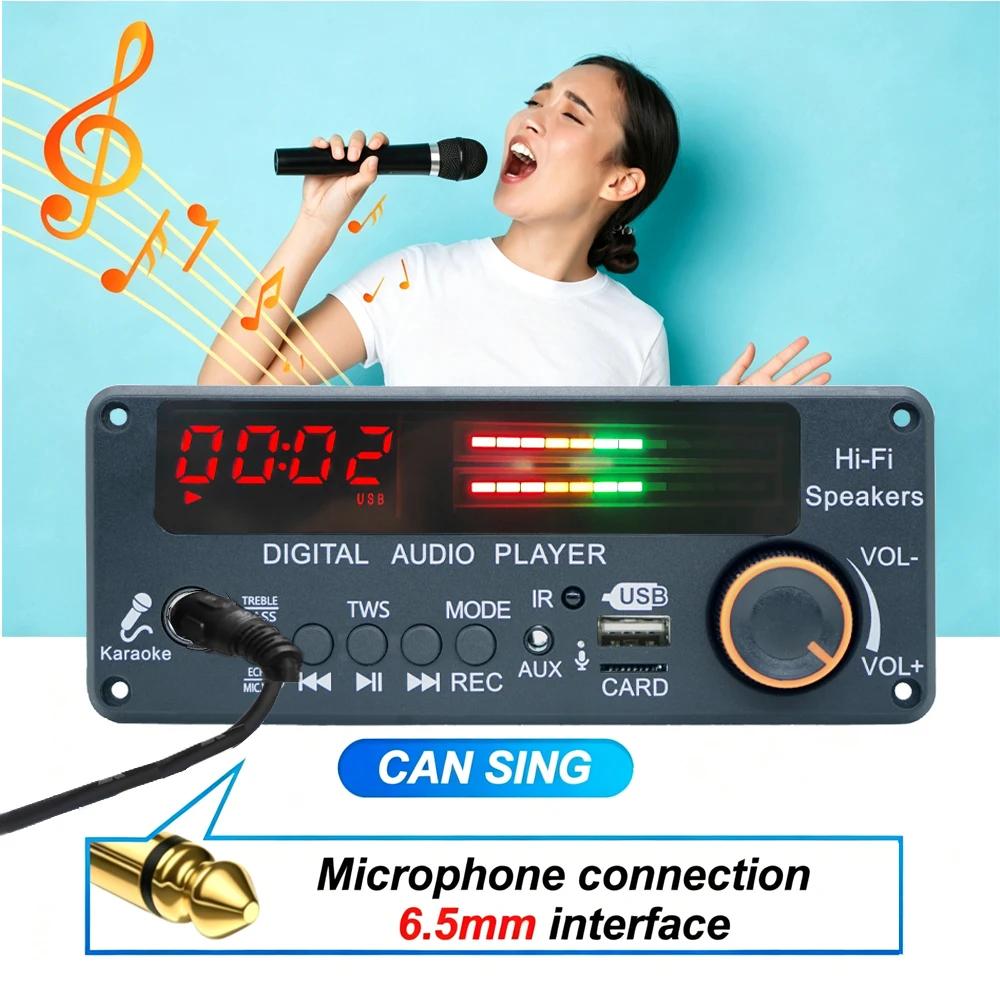
Mic interface: 6.5mm
Storage device: U-Disk/TF Card
Storage capacity: Supports up to 32GB
TWS function: Supports
Voltage:DC 12V
Current:2A
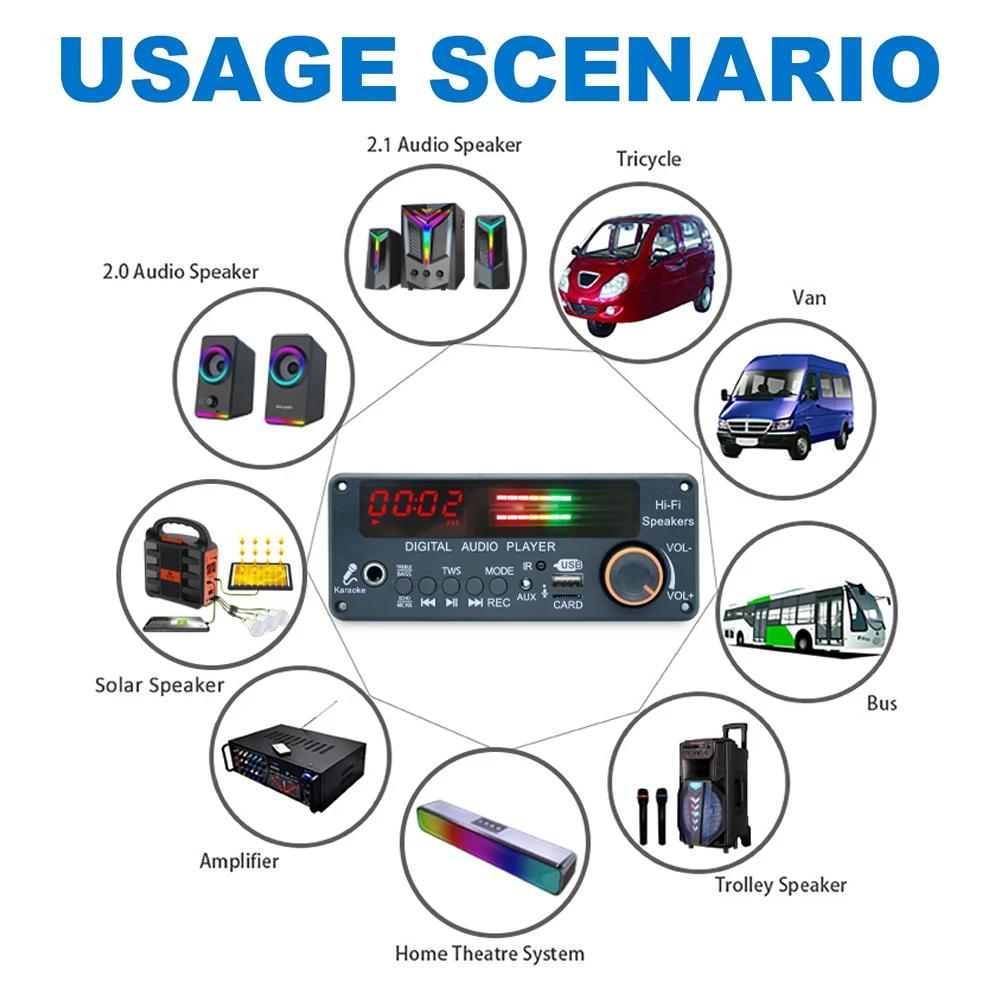
Suitable:For Car/Home Speaker RadioRecording
Package Included:
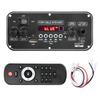
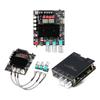
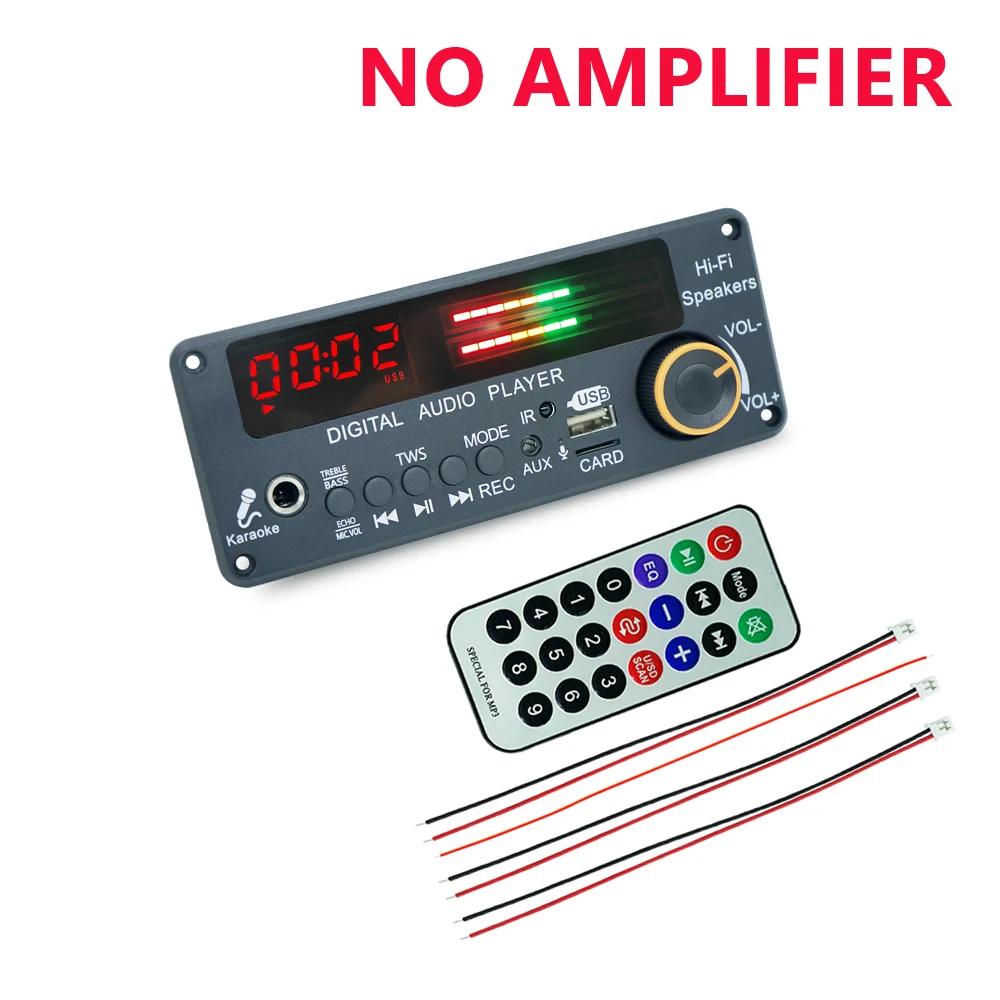
1*Bluetooth 5.3 MP3 Decoder Board
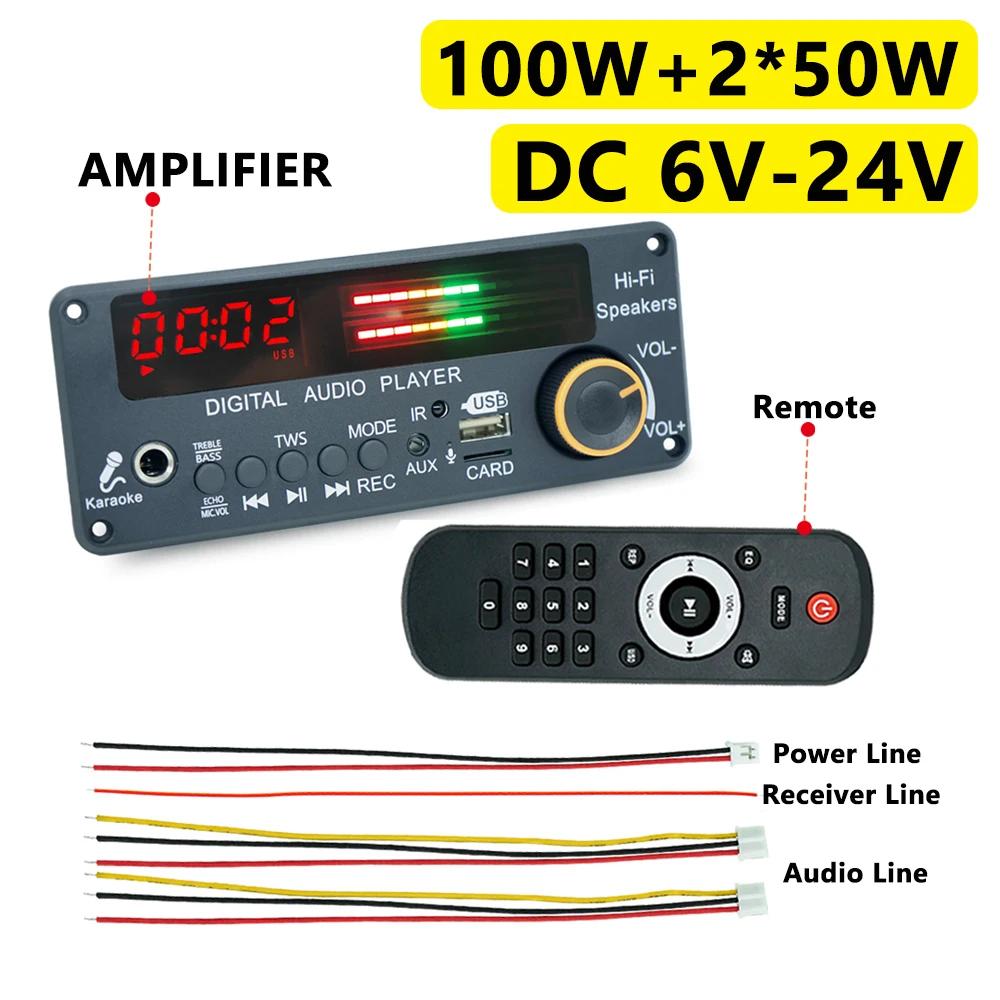
Button and interface
1. LED screen: digital display;
2. LED light bar: The size of the music sound flashes;
3. Microphone interface;
4. TREBLE/BEASS/ECHO/MIC.VOL: Switch between microphone sound size C/microphone reverberation E/high frequency H/low frequency b; Switch to mode first, press the previous or next song to adjust, and confirm automatically after 3 seconds if there is no adjustment;
5. PREV: Short press to select the previous song; Long press to quickly reverse; Double click to switch to the previous folder;
6. PLAY/PAUSE: Short press to pause and play; Long press in the receiving state to activate the FM automatic station; Bluetooth connection successful, long press for TWS function;
7. NEXT: Short press to select the next track; Long press to fast forward; Double click to switch to the next folder;
8. MODE: Switching between USB/TF/FM/AUX/BLUETOOL; Long press the button to start recording, press the button again to cancel the recording function and play the recording file; When recording, it is more necessary to connect a storage device, such as a USB flash drive or TF card;
9. AUX interface: audio input interface;
10. IR: Infrared receiver module;
11. MIC: Supports calling and recording functions;
12. USB interface: connect to a USB flash drive (maximum support 32GB);
13. TF card slot: connect TF storage card (maximum support 32GB);
14. VOL+/VOL -: Rotate the volume to the right to increase, rotate it to the left to decrease.





 No-delivery refund