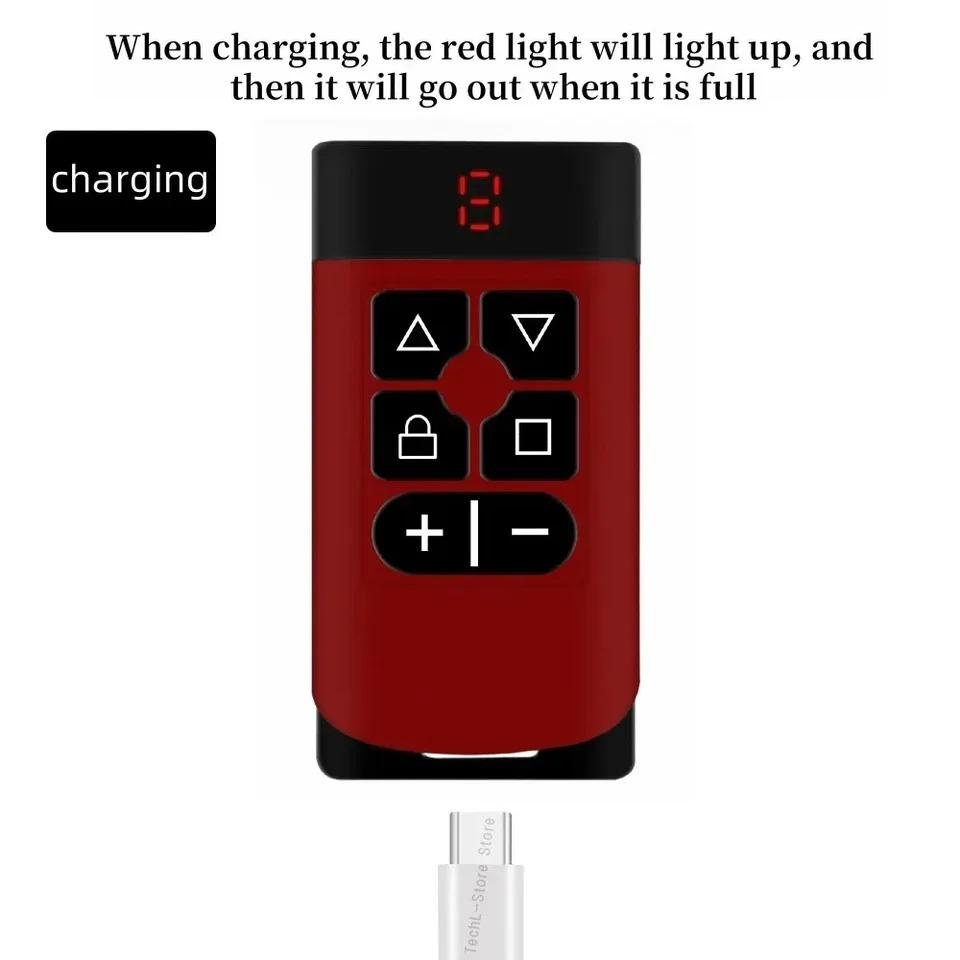
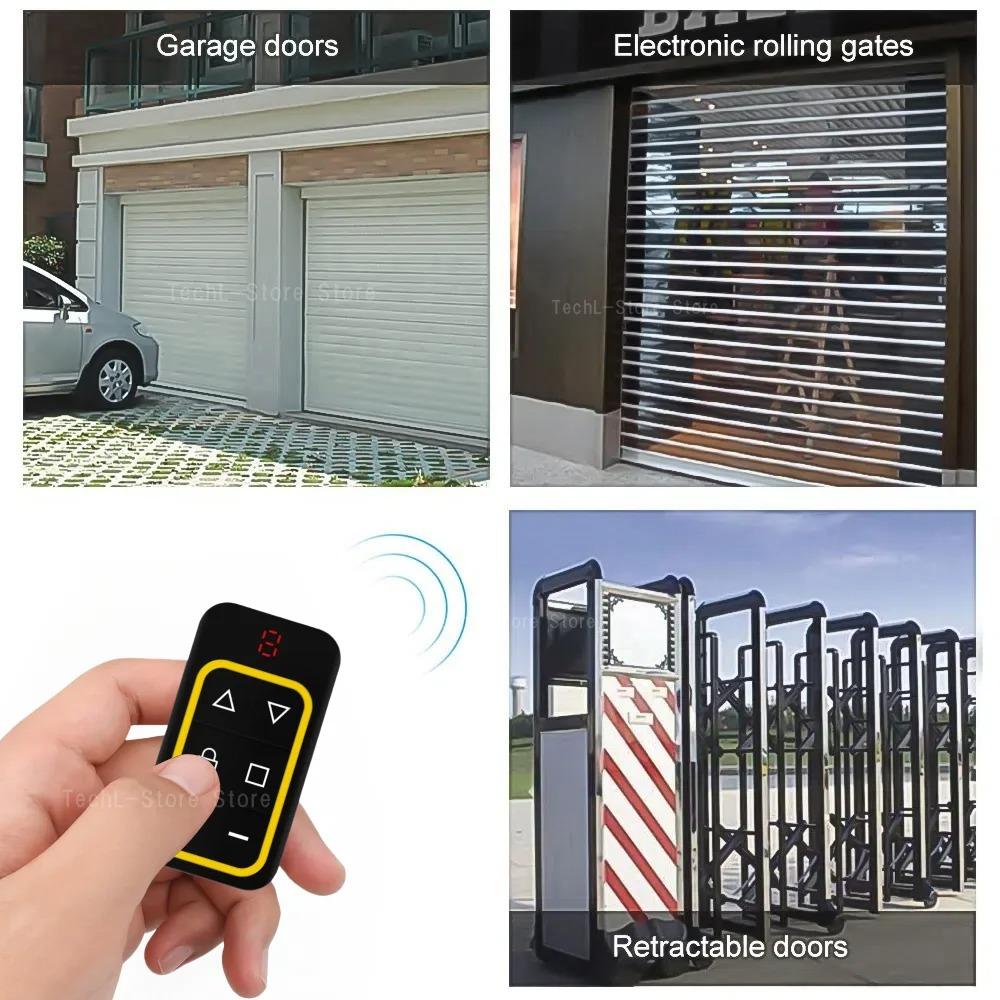
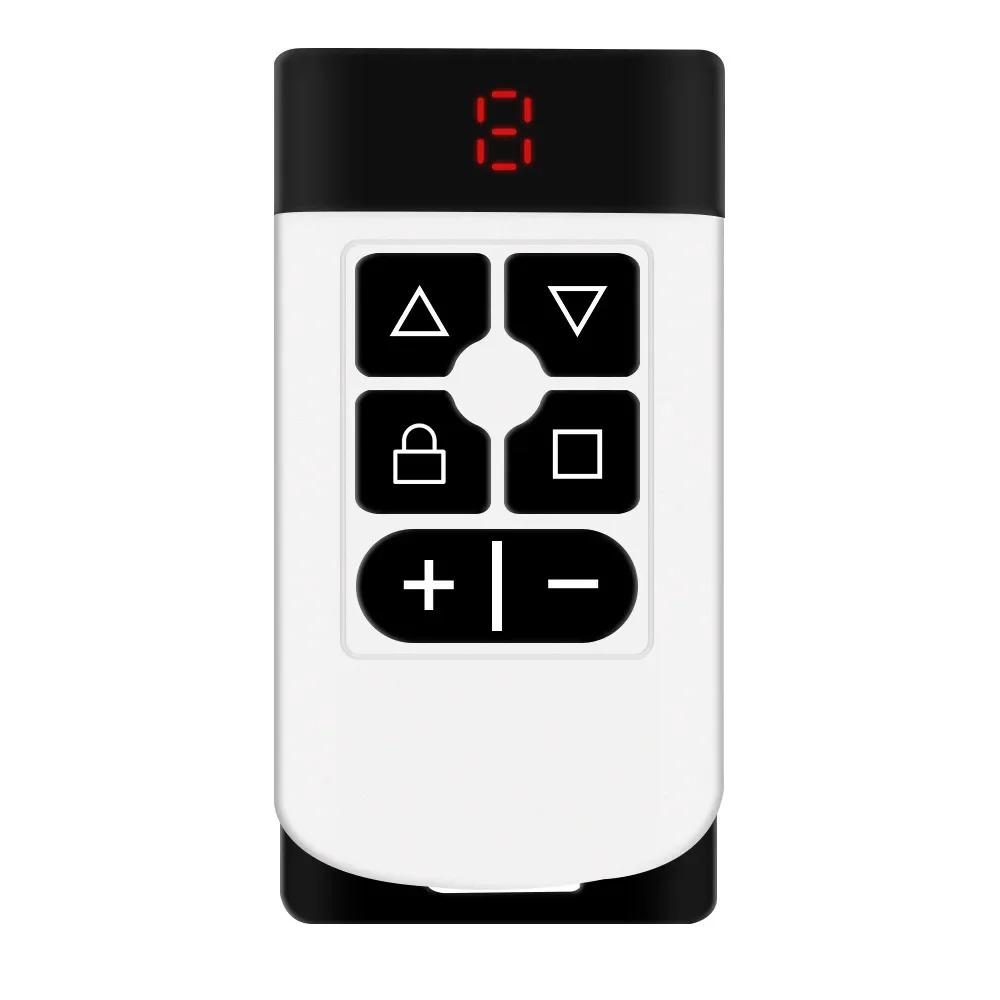
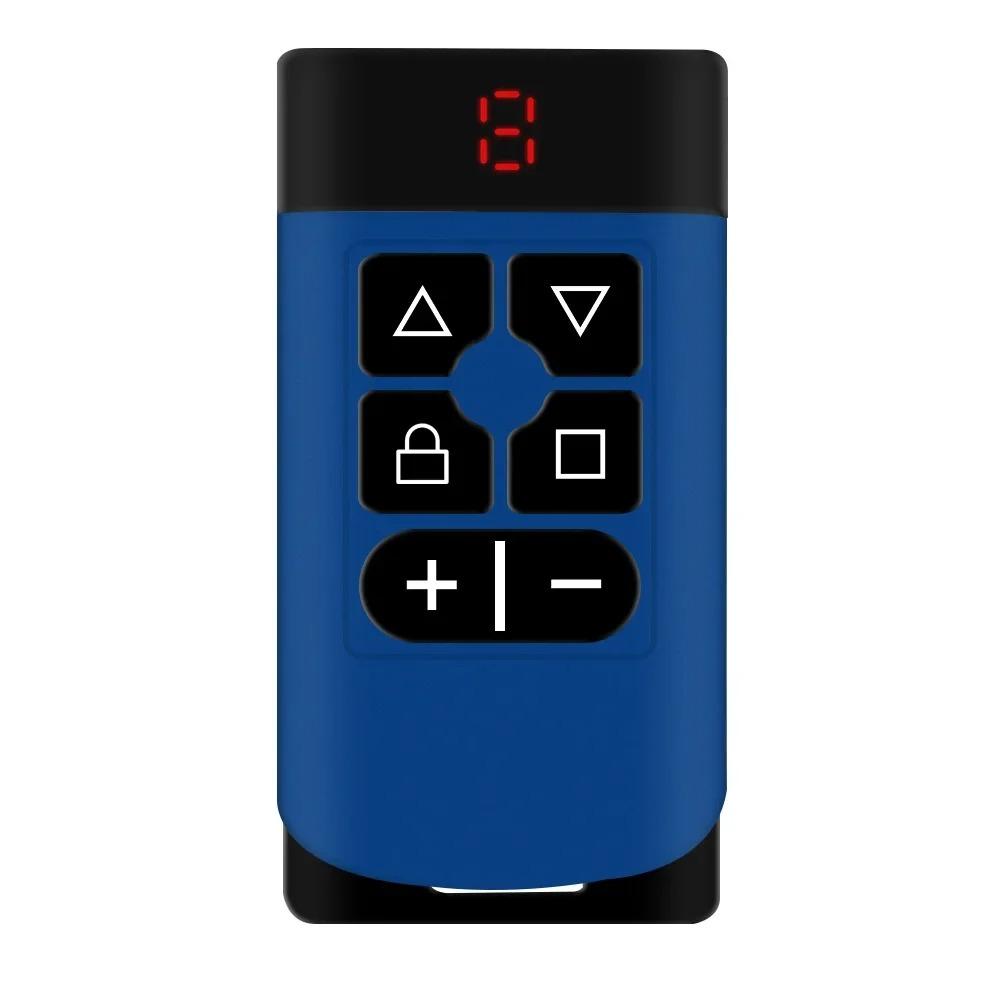
Features:
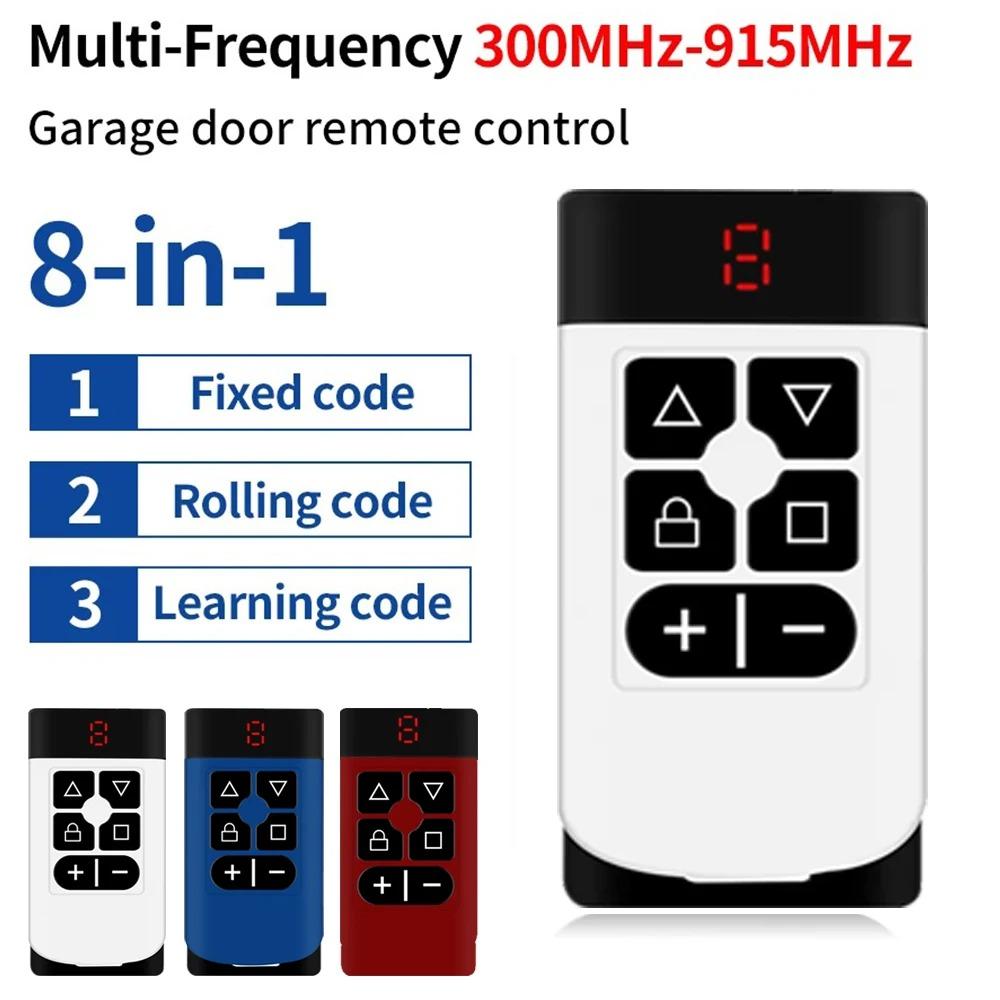
1. Can copy most common fixed codes, such as 2262, learning codes such as 1527, and rolling codes. HC301, and some non-standard encrypted remote controls.
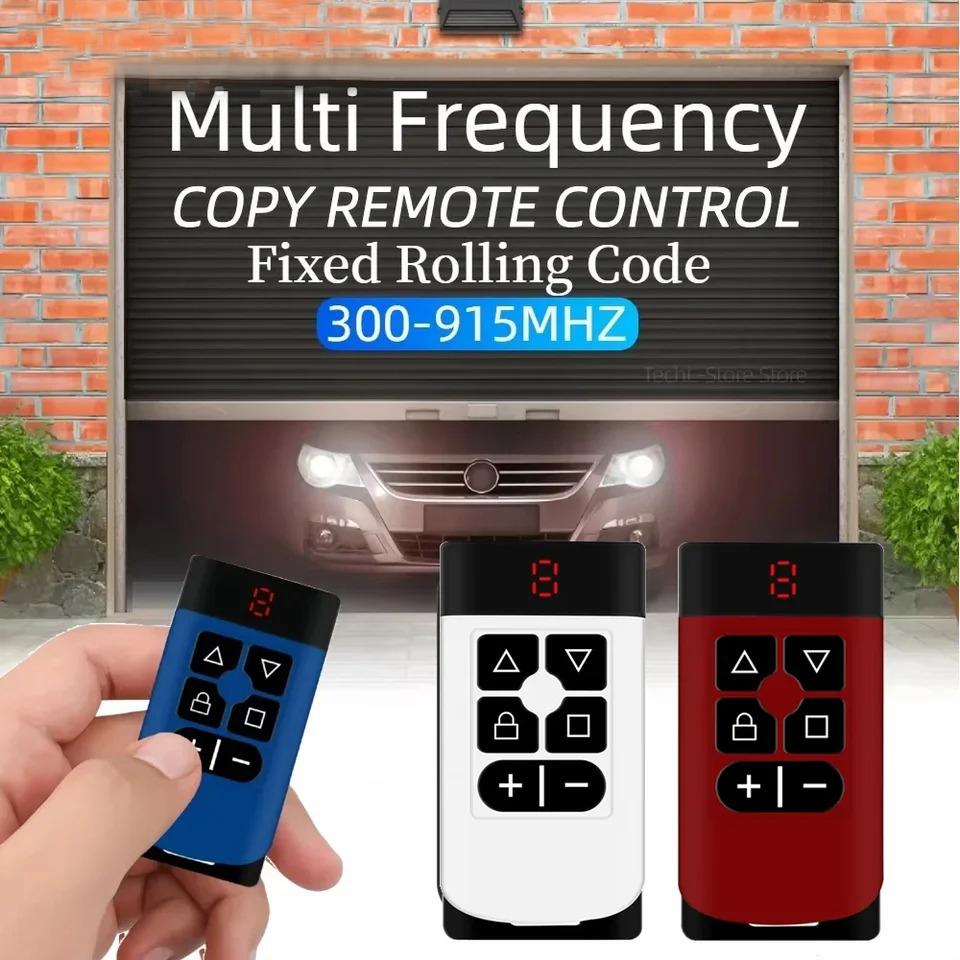
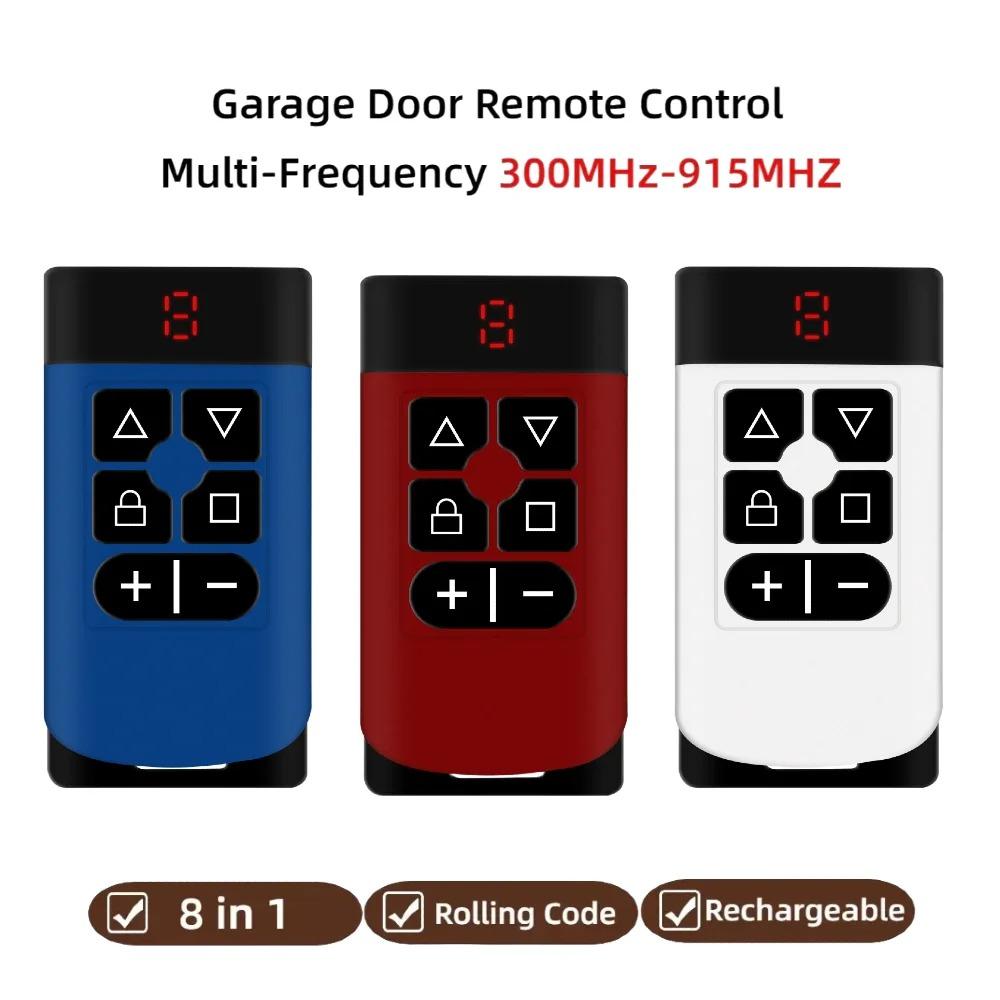
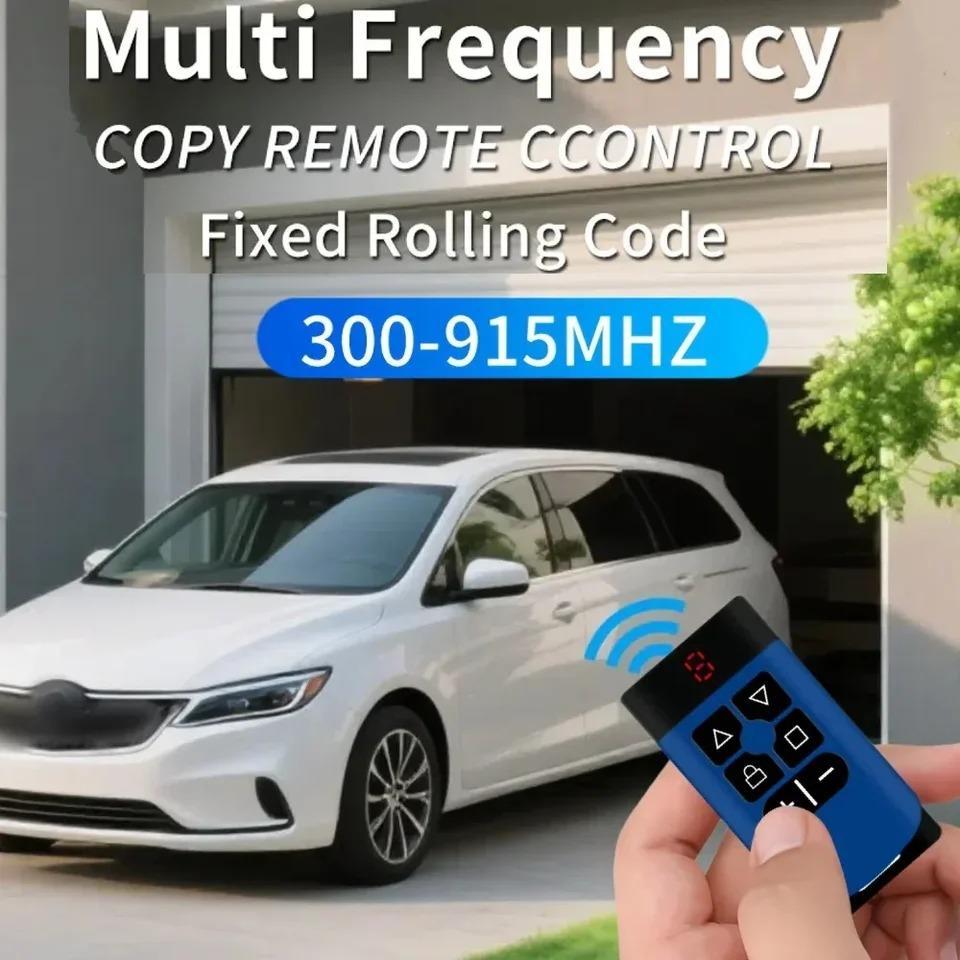
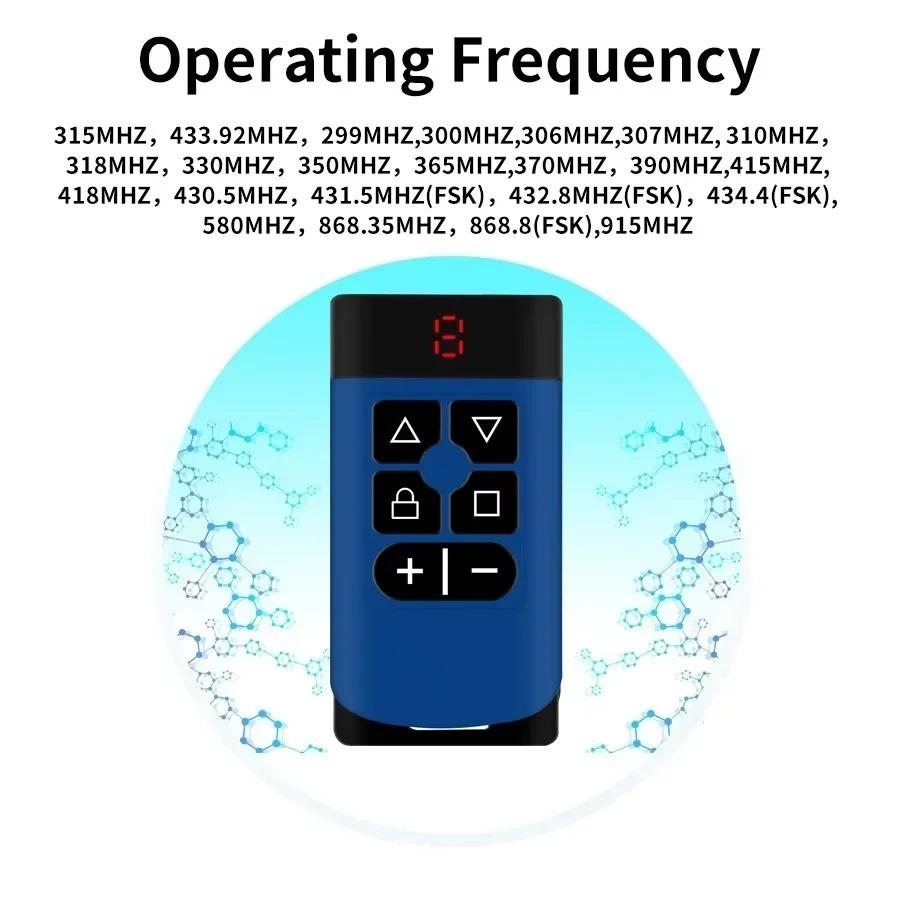
2. More than 16 kinds of frequencies are supported, and the frequencies of 300-915MHz can be copied.
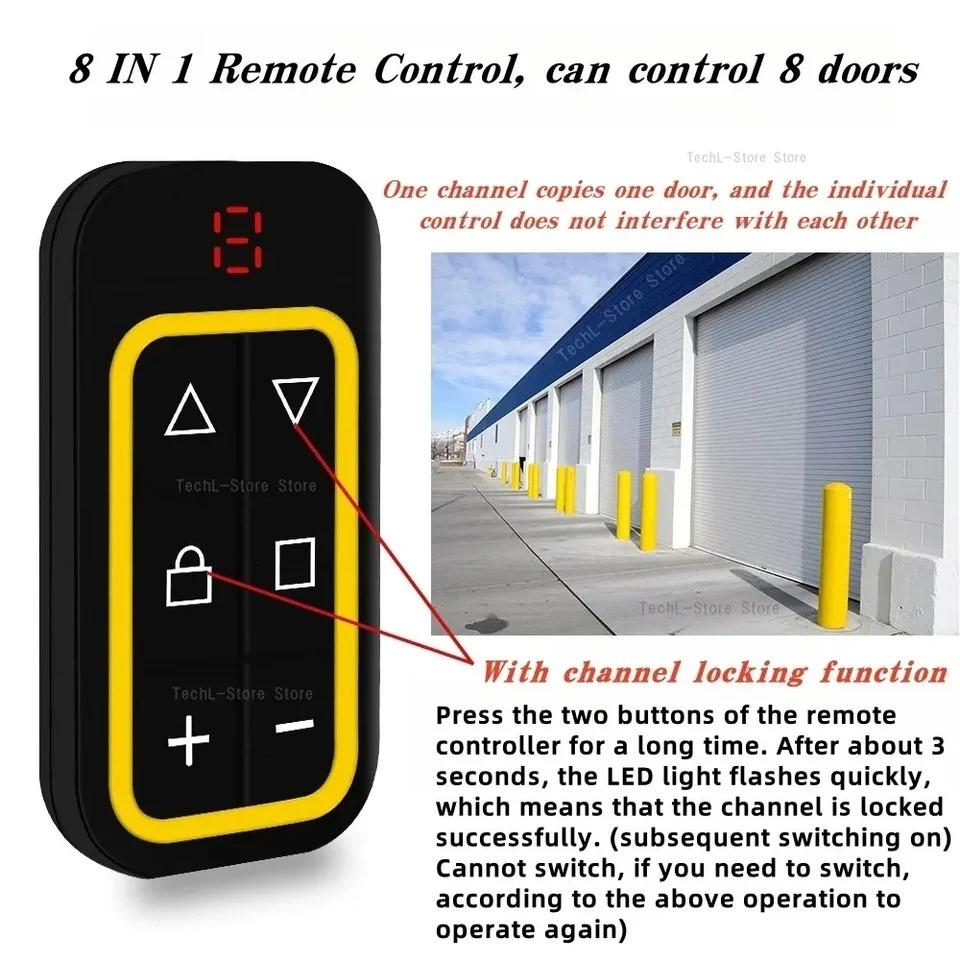
3. 1 remote controller equivalent to 8 remote controllers, can copy 8 groups of remote controllers, and can store 8 data in total.
4. A high-quality chip with a storage function can be recovered even if the code is not carefully cleared, and data will not be lost when the battery is replaced.
Specifications:
Product name: Multi-frequency 8-Channels copy remote control
Receiving frequency: 300-915MHz
Transmit power: 13dBm
Operating current: 30MA
Operating voltage: 3.7V
Remote control distance: 30-50m
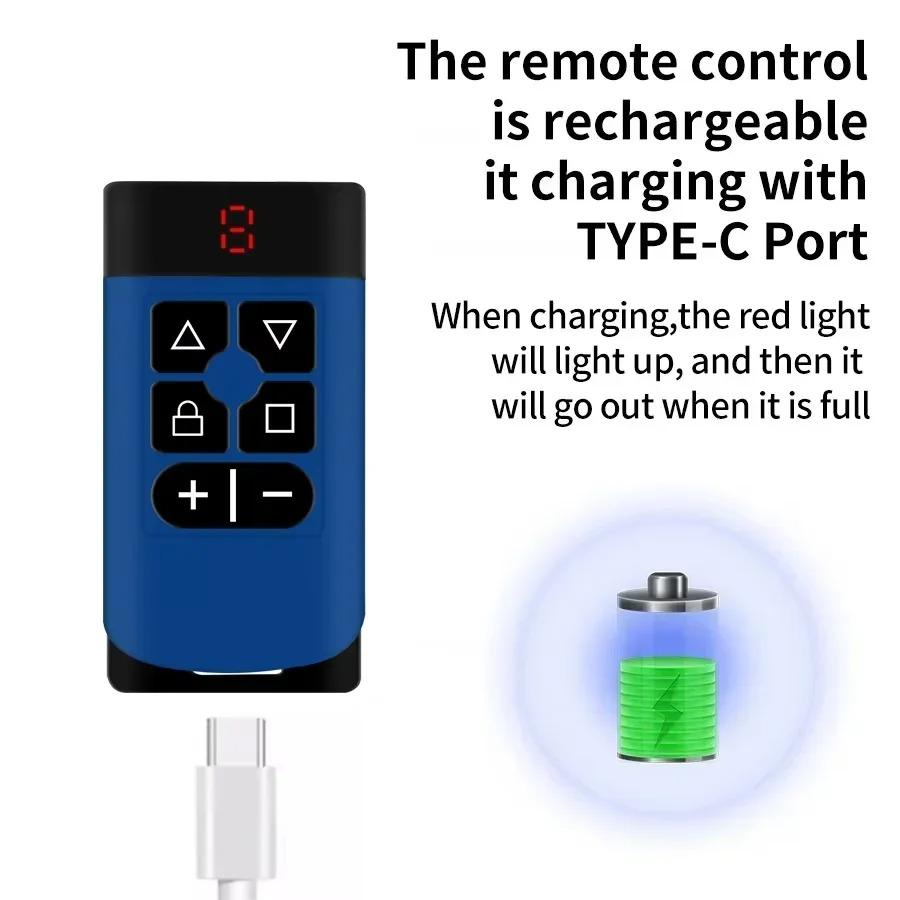
Charging interface: 5V TPC-C
Product size: 73*37.6*13mm
The method used
Clearing method:
Press buttons 1 and 2 simultaneously, wait for 2 seconds until the LED flashes
Package Included:
1*Remote Control
Note:
1. The indicator light must keep flashing before you can release your hand
2. If it doesn't flash for a long time, it means that the two buttons are not pressed at the same time. Repeat the operation once. After clearing the code, press any key on the remote controller, and the indicator light flashes and goes out, which means that the code clearing is successful.
Copying:
The corresponding button(you can decide which) of the old remote and our remote control is pressed. Seeing that the channel number on the display tube is always on indicates that the copy is successful, and then the remaining keys are copied in turn in the same way.
Note:
During the copying process, do not loosen the copying buttons of both remote controllers until the display tube number on the multi-frequency multi-channel copying remote controller is always on.
Restore:
When you accidentally clear the copy of the remote control code, you can simultaneously press the copy of the remote control of the bottom two keys, wait for 2 seconds, the LED lights will flash quickly, you can release your hand, Press the remote control after recovery, and the keys will always be on.
Tip:
Channel locking:
If channel locking is required, press the second button in the first row and the first button in the middle row at the same time. If the LED light flashes quickly, the channel is locked successfully. After the channel is locked successfully, it is not allowed to switch. If you need to cancel the lock, do it in the same way.