Product Description
Clock Function Setting Method
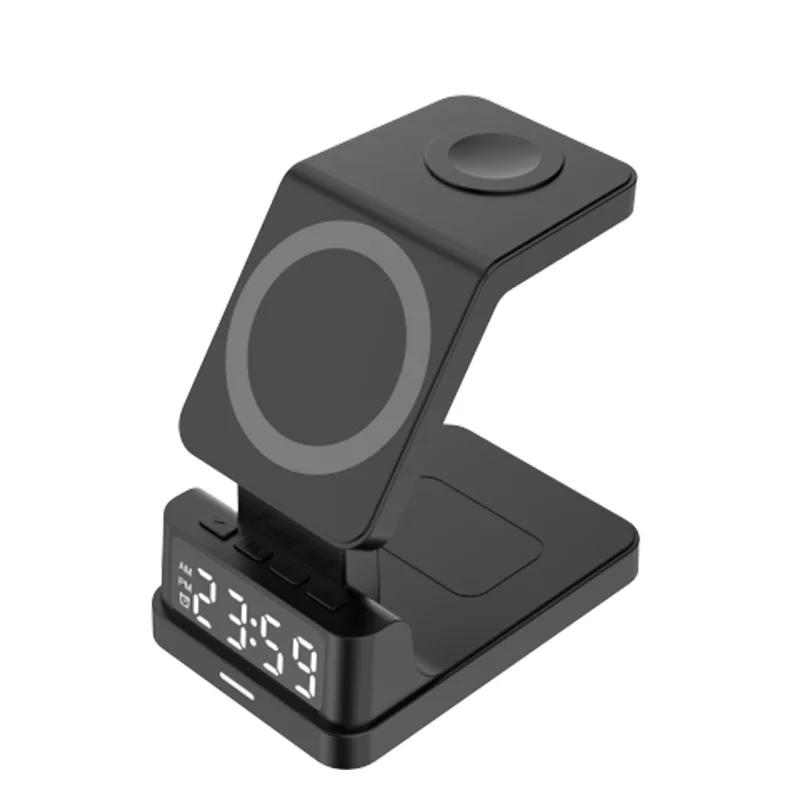
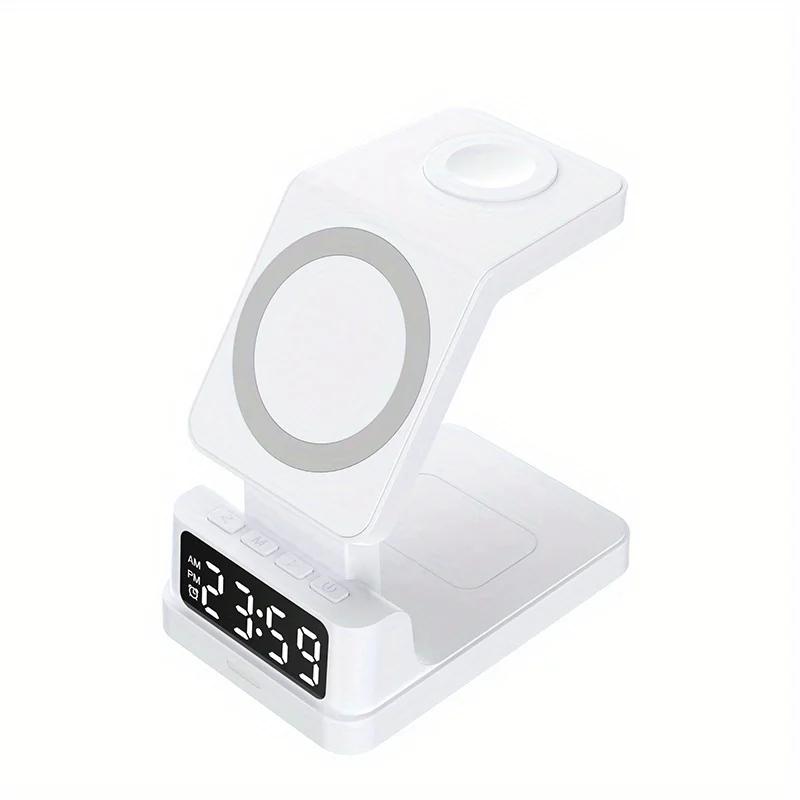
1. The first symbol on the right hand side is: power switch, a short press can turn on the clock display or turn off the clock display
2. Alarm clock setting:
(1) Turn on the alarm clock function:
Long press the power symbol switch, the lower left corner of the screen shows the alarm clock icon, that is, open the alarm clock function.
(2) Close the alarm clock function:
Long press the power symbol switch, the alarm clock icon disappears in the lower left corner of the screen, that is to close the alarm clock function.
(3) Alarm time setting:
Long press the "M" button, the alarm clock icon in the screen and the number representing the hour jumps at the same time, you can press the ">" or "<" button to set the hour of the alarm clock.
After the alarm hour value is set, press the "M" button short, the alarm icon in the screen flashes, and the minute number flashes, then press the ">" or "<" button to set the number of minutes of the alarm.
Alarm clock time setting is complete, short press the power symbol switch, exit the alarm clock setting, and memory alarm time.
(4) Turn off the alarm ringer:
After the alarm bell rings, press any button to turn off the bell. The ringer will ring at the same time every day in the future. If you need to cancel the daily ringtone reminder, please long press the power symbol switch, the alarm clock icon disappears in the lower left corner of the screen, that is to permanently turn off the alarm clock function. If you need to reset the alarm, please repeat the above (2, Alarm Setting).
3. Clock setting:
(1) 12H/24H format switching:
Short press the M button to switch to display different time format.
(2) Clock time setting
Long press the "M" key once to enter the alarm clock setting, in the screen alarm clock icon and the number jumping at the same time, long press the "M" key again to enter the clock time setting (i.e., two consecutive long presses of the "M") key twice in a row)
At this time, only the number representing the hour in the screen jumps, you can press the ">" or "<" button to set the current hour.
When the hour is set, press the "M" button briefly to switch to the number representing minutes, and press the ">" or "<" button to set the current minute.
When the time setting is finished, press the power symbol switch briefly to exit the time setting, and the screen displays the current time.
4. Display Brightness Setting
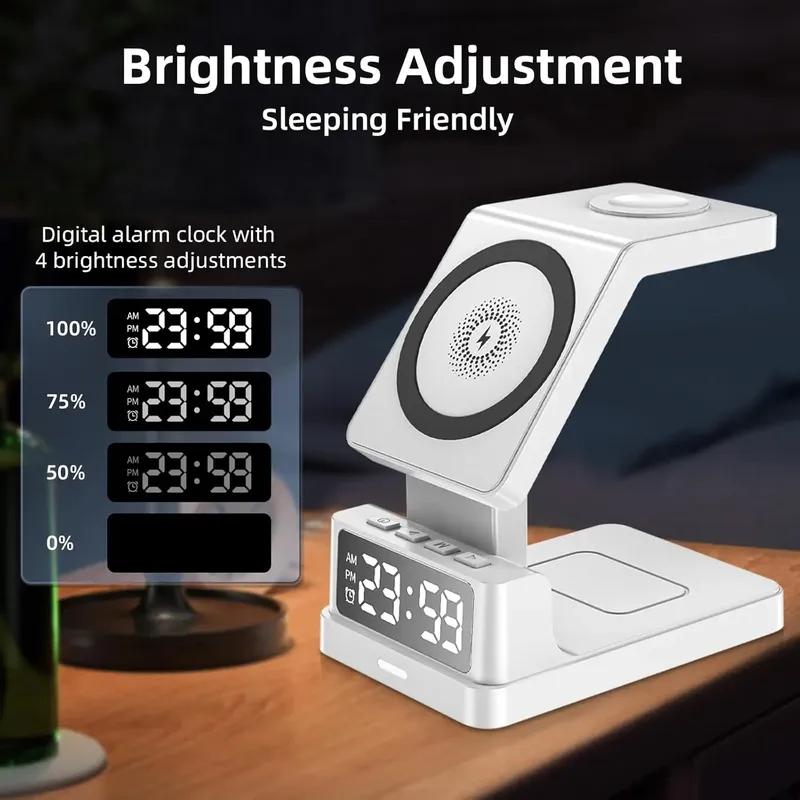
(1) Press the ">" button briefly and continuously, the brightness of the display will be reduced until the screen is black.
(2) Press the "<" button briefly and continuously to increase the display brightness to the maximum.
Note: After turning off the display with the ">" button to reduce the brightness, the display must be turned on with the "<" button to increase the brightness, all other buttons are invalid.
Wireless charging function
1. Connect the product to the power supply;
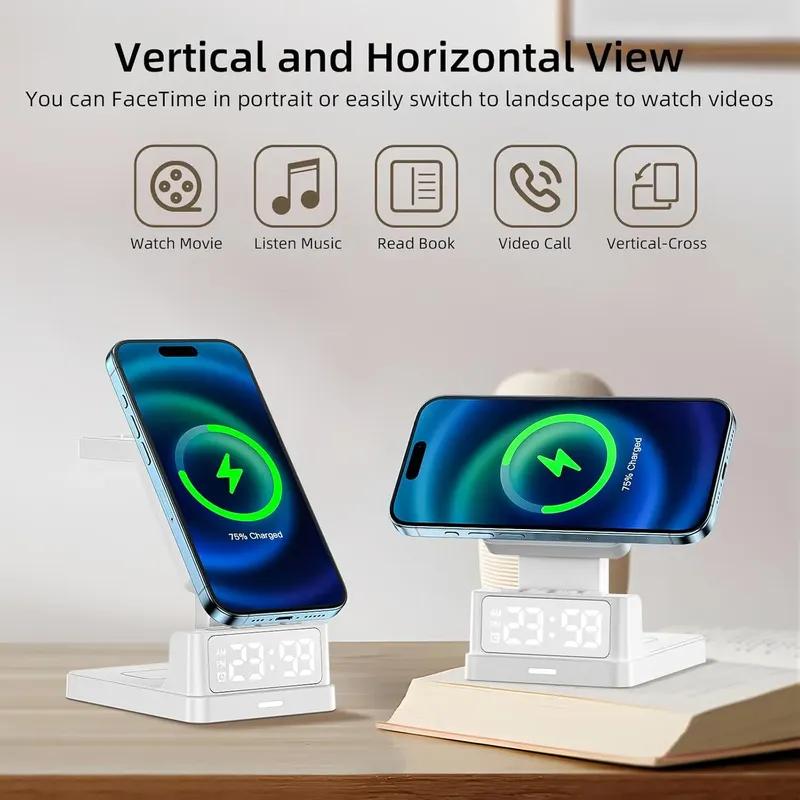
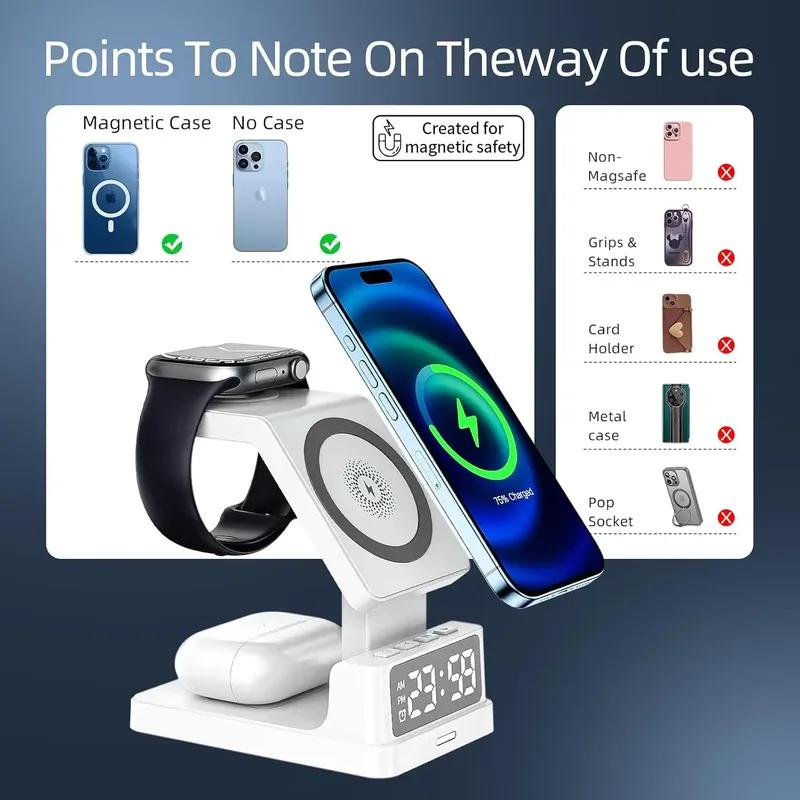
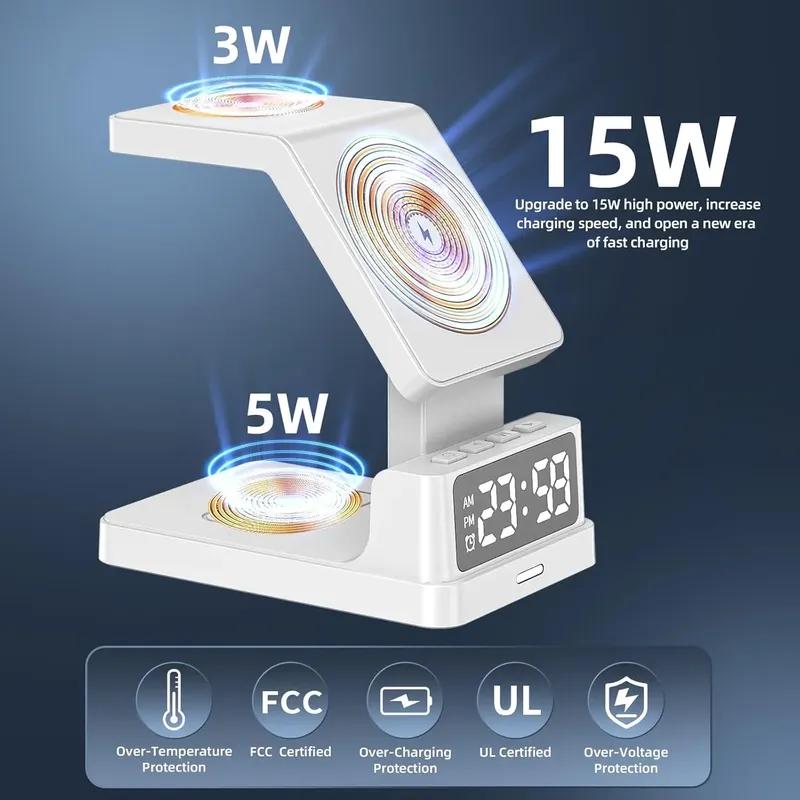
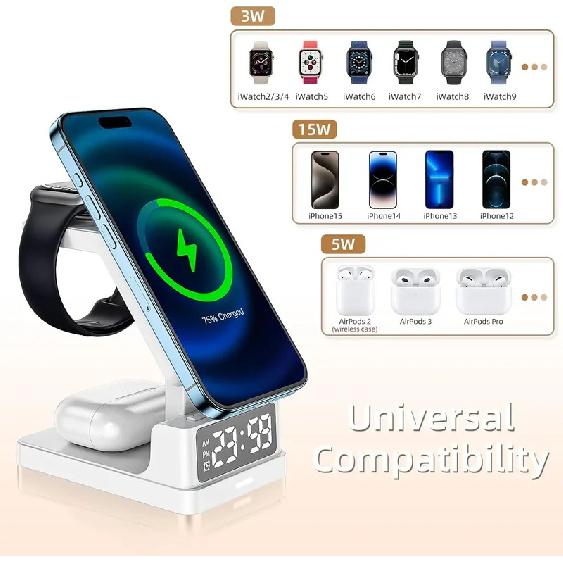
2. Place a mobile phone with wireless charging function on the product as shown in the figure to charge the mobile phone.When charging, you can see the wireless charging logo on the display.
Tips:When charging,please align the receiving area of the charging device with the wireless charging area of the product to achieve the best charging effect.