Battery Included : Yes
High-conrned chemical : None
Trigger Button Type : NONE
Compatible Platform : PC,Android
Package : Yes
Interfa Type : 2.4G
Model Number : Wireless Gamepad Control Controller Mobile Android Phone PC TV 2.4G
Compatible /Model : PC
yeBeau
: Mainland China
Type : Gamepads
Command For android ll phone game : Command For android ll phone game controller
Android remote llular gamer : Android remote llular gamer
Triggers control for ll phone games : Triggers control for ll phone games
For Mobile phone controller kit gamer : For Mobile phone controller kit gamer
Gamer triggers for mobile command : Gamer triggers for mobile command
Control for llphone controles : Control for llphone controles
Wireless for Iphone controller : Wireless for Iphone controller
Portable games players offers : Portable games players offers
Games to play in family retro : Games to play in family retro
Wireless Phone gamepad mando : Wireless Phone gamepad mando
We support !
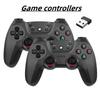
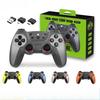
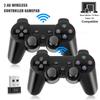
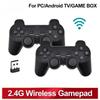
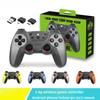
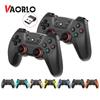
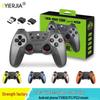
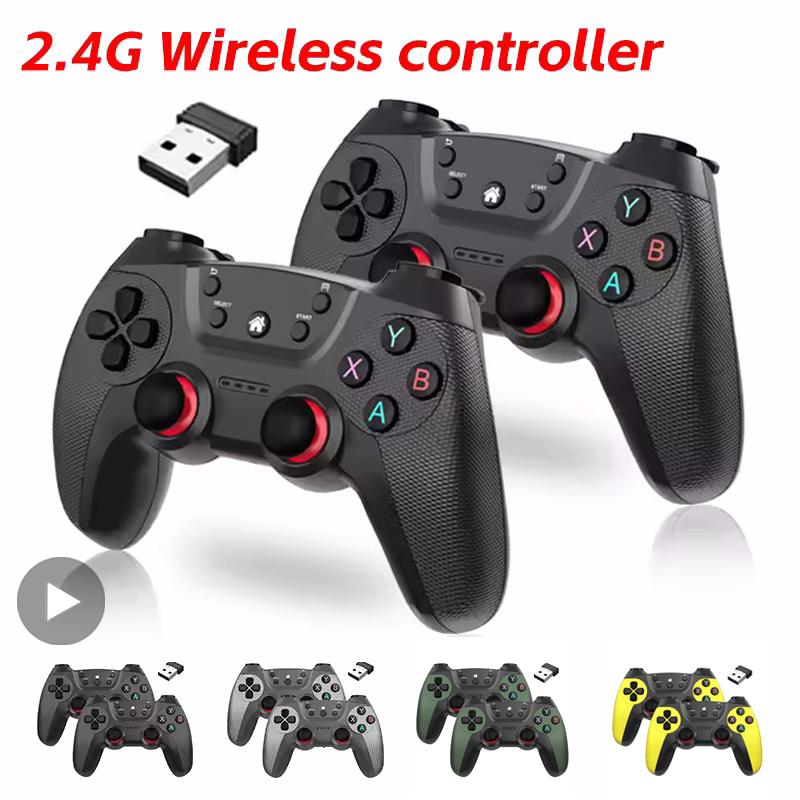
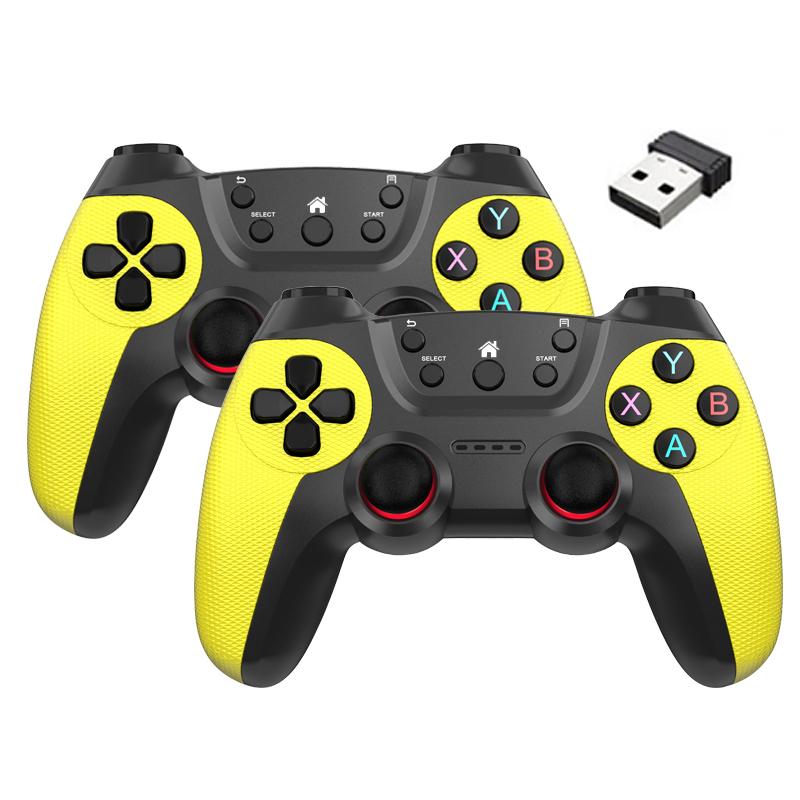
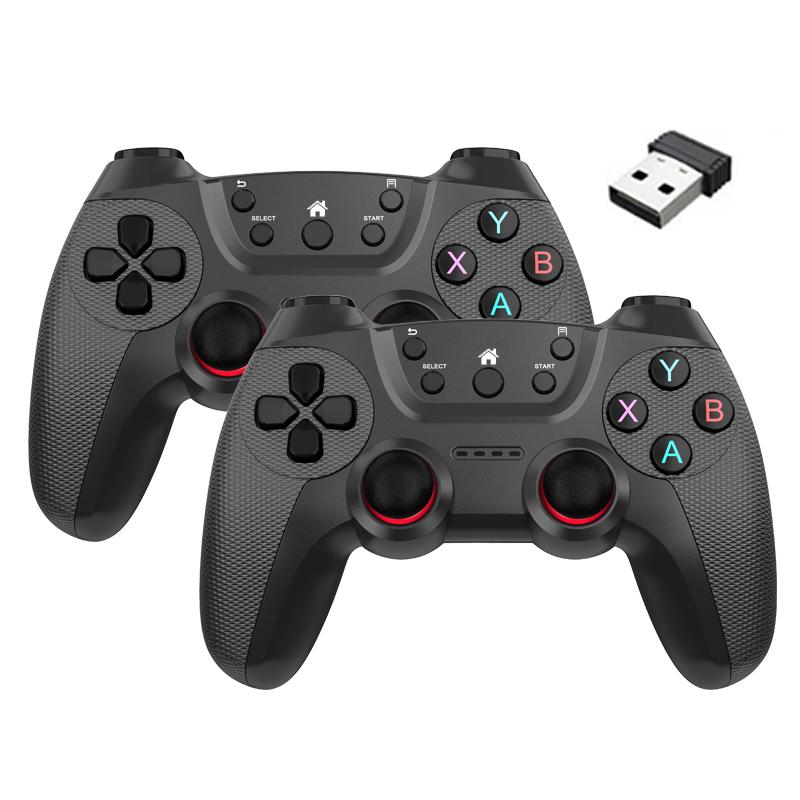
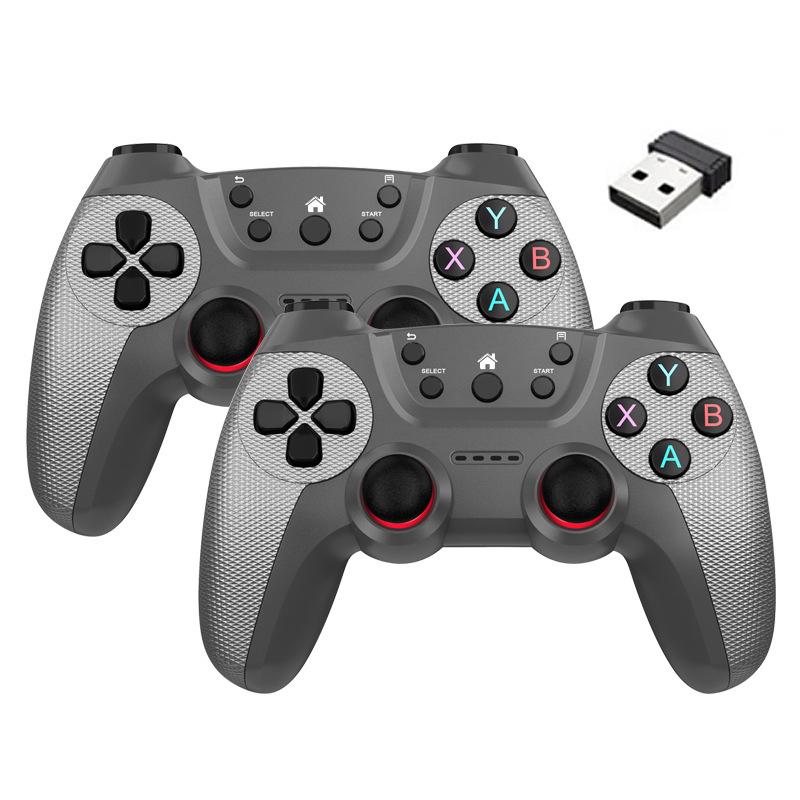
Wireless doubles game Controller For Linux/Android phone For Game Box Game stick PC Smart TV Box 2.4G gamepad Joystick
USB Doubles Wireless Gamepad with 2.4G Reiver
Designed for M8 Game Stick lite,GD10 X2 Game Stick PC,Linux,Android Smart TV, Windows 98/2000/XP/2003/Vista/WIN7 compatible.
【 How to Connect 】
1,lug in the 2.4G reiver on the devi and install 2 x AAA batteries on both handles. (This product does not come with batteries). Switch on the handle.
2,There will be an automatic connection function between the handle and the reiver, and the LED on the controller will keep the signal bright:
3,Connect the reiver to the PC and the LED will start flashing rapidly. After the first controller is connected, the LED will start flashing slowly. On the LED changes from flashing to steady, the second controller will be sucssfully connected.
【 Kindly Note 】
1. When the voltage decreases, the built-in energy saving system will stop the signal (the LED in the controller will keep blinking).
2. When the controller is connected to the reiver but in use for 5 minutes, it will enter sleep mode. The controller also allows you to press the SELECT. START, L3 R3 buttons at the same time to enable sleep mode. Pressing the START button will reactivate the controller.
3. Compatible with analogue and digital modes
4. Requires 2 external AAA batteries for each controlle (batteries not included in this product)





 No-delivery refund