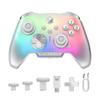
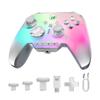
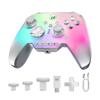
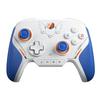
Controller for Nintendo Switch 2 BIGBIG WON Rainbow 2 SE – Motion Control, Hall Effect Triggers, 12-bit ADC, Turbo Function, 8-Directional D-Pad, Joystick, 3 Sets – PC APP Gamepad for Switch/PC/Android/iOS (Blue)
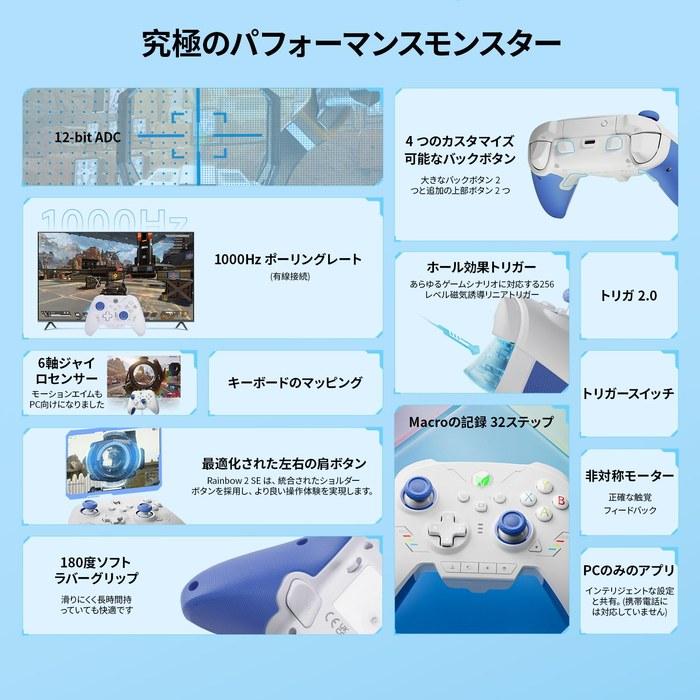
・【Multi-Platform Gaming Controller】The Rainbow 2 SE wireless PC controller works with Switch, Windows 10 & 11, Android 7.0+, and iOS 14.0+. This PC controller features two custom back buttons, two top buttons, motion aiming, turbo, macro, dual motors, Hall effect triggers, 3 sets of joysticks, 4-way and 8-way directional pads, a 1000 Hz wired polling rate, 2000 levels of axis resolution, built-in Bluetooth, keyboard mapping, and a PC app (not supported on mobile phones). 【Audio is not supported】
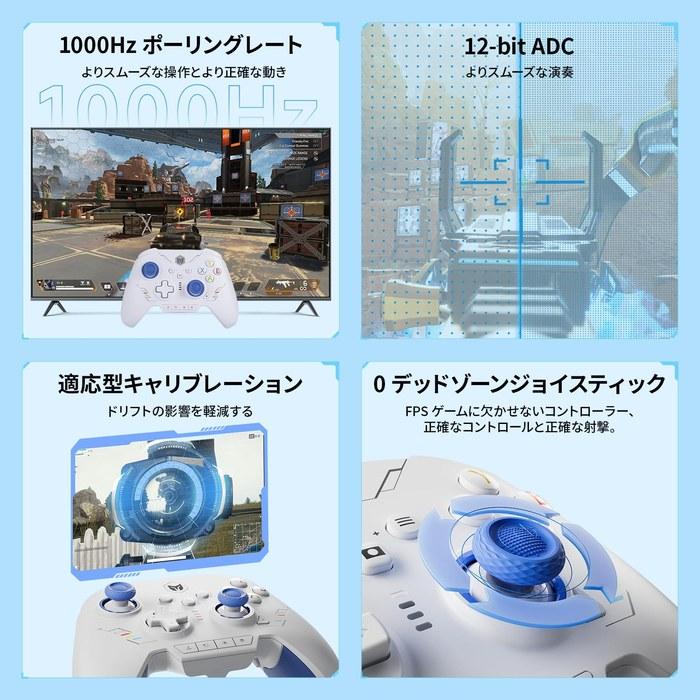
・【2.4G USB & Bluetooth & Wired Connection】The wireless game controller helps you easily play games via a 2.4G wireless dongle, Bluetooth, or a USB cable connecting to various consoles, providing a highly reliable signal and connection without interference, also helping with gameplay. Compared to other game controllers, it offers more freedom and flexibility in operation. 【Ultra-Fast Polling Rate】Wired polling rate: 1000Hz, 2.4G & Bluetooth wireless polling rate: 125Hz.
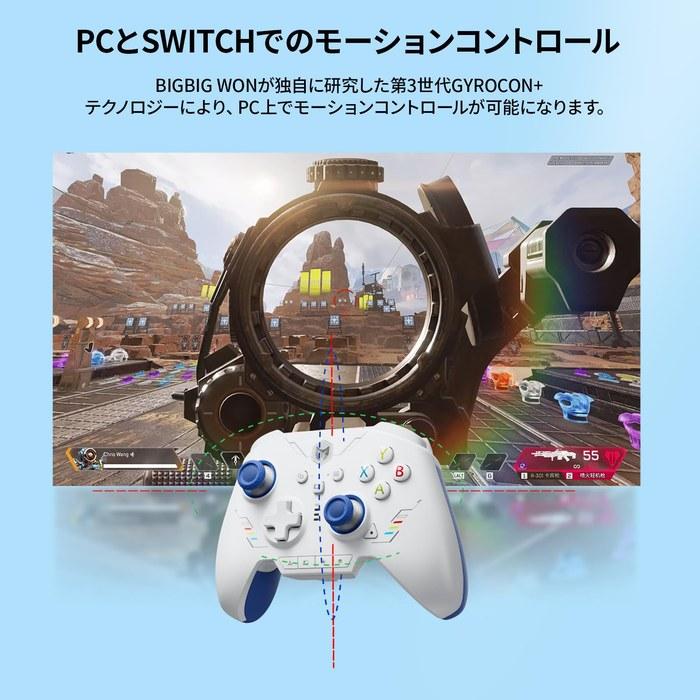
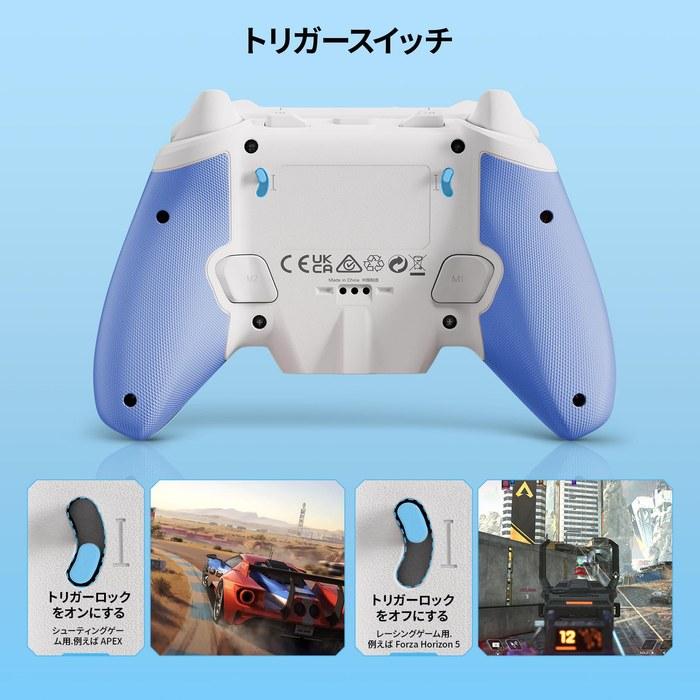
・【6-Axis Gyro Motion Sensor】The 3rd generation GYROCON+ Tech PC gaming controller independently developed by BIGBIG WON enables motion control on PC. Do not enable the motion aiming function on the Switch. The Switch natively supports motion control. 【Hall Effect Triggers】The 256-level Hall triggers on the Bluetooth controller provide precise control in shooting games like racing, quick fire, and APEX, and long pulls in racing games like Forza Horizon 5.
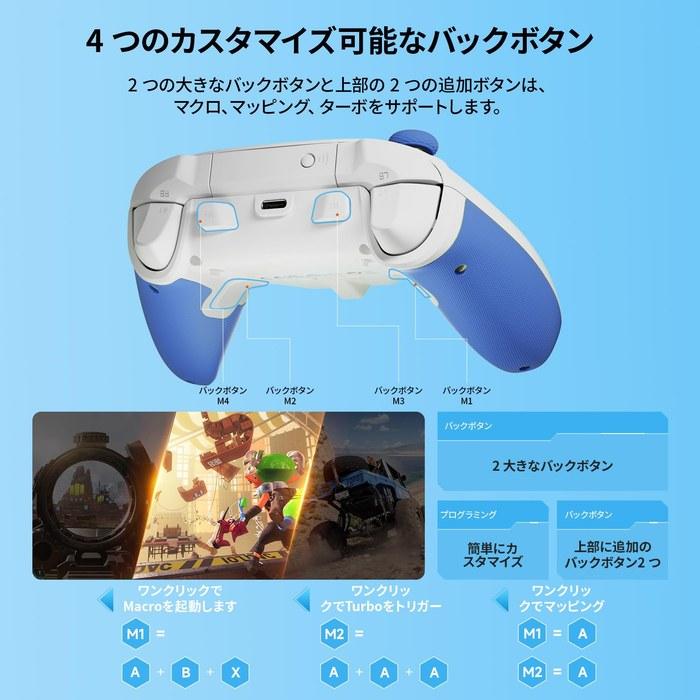
・【Four Customizable Buttons】The game PC controller with two back buttons and two additional top buttons offers macro, turbo, and button remapping functionality. 【Macros】Save time with 32-step macros and easy editing. 【Dual Motor Vibration】The PC game controller provides an immersive gaming experience. Try the 255-level vibration of the RAINBOW 2 SE to find your preferred strength.
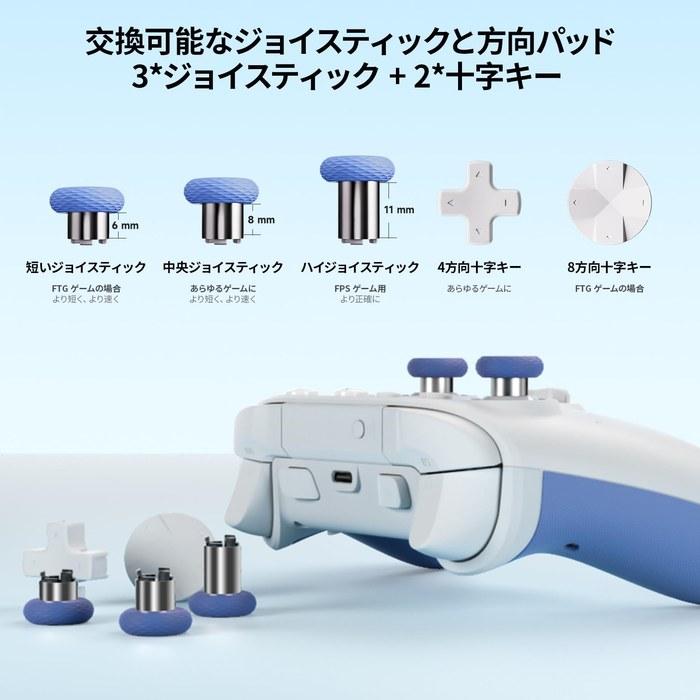
・【12-bit ADC Joystick】With a 12-bit chip and 2000 levels of axis resolution, you can operate games more smoothly. The Rainbow 2 SE controller includes 3 sets of joysticks: short/medium/high. BIGBIG WON adaptive calibration minimizes drift without requiring any operation. 【0 Dead Zone】The gaming controller for FPS games ensures precise control and accurate shooting. 【4-Way & 8-Way Directional Pad】The 4-way directional pad is designed for all games, while the 8-way directional pad is particularly suitable for FTG games. Choose your preferred configuration.
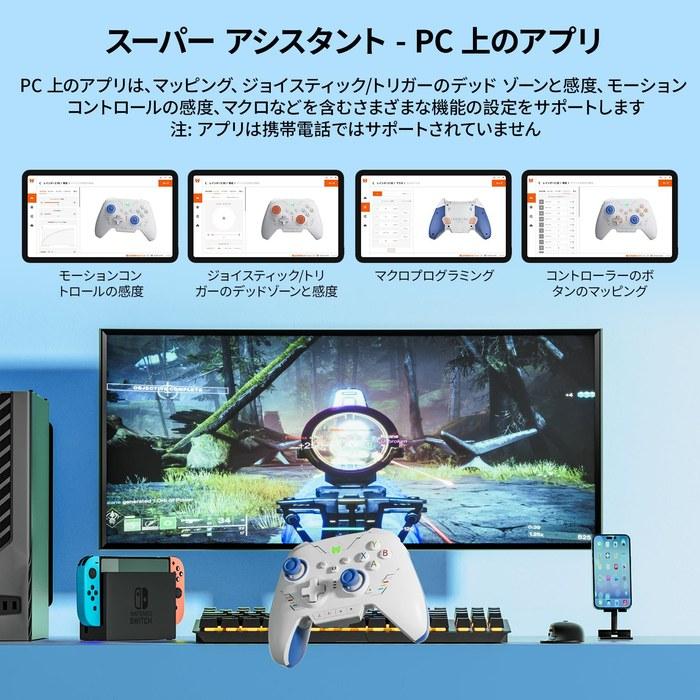
・【PC APP】The Rainbow 2 SE wired controller supports PC APP customization and quick settings. You can easily adjust motion control, joysticks, triggers, buttons, and macros. The app is not supported on mobile. 【Keyboard Mapping】The RAINBOW 2 SE wireless game controller supports keyboard mapping. You can use various advanced skills in the game with easy settings in the app. 【Reset】Press and hold the HOME button for 10 seconds until the controller vibrates.
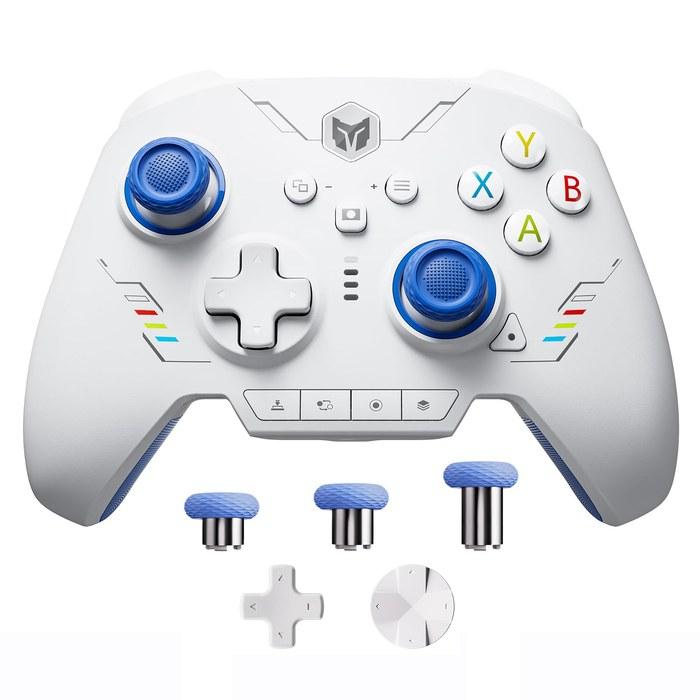
・【Package Contents】1 * BIGBIG WON Rainbow 2 SE Gamepad, 3 pairs of joysticks, 1 * 4-way D-pad, 1 * 8-way D-pad, 1 * 2.4G USB dongle, 1 * Type-C cable, 1 * User Manual. All BIGBIG WON wireless Bluetooth controllers are rigorously and carefully inspected before shipment for quality assurance, delivering a flawless and complete product to you.
・【Notes】The RAINBOW 2 SE controller supports both X-input mode and Switch mode. To use it normally, you need to switch to the corresponding console mode after connecting to the console. The default is X-input mode. 【Steam】It is recommended to block Steam output to protect the controller's original input. 【Switch】After connecting to the Switch, you need to enable “Settings - Controllers and Sensors - Pro Controller Wired Communication.”
・【Solution for Abnormally Pressed Keys】 1. Open the app and connect the controller via a wired connection. 2. Delete the configuration file. 3. Reset the controller (long press until the controller logo vibrates). 4. Reconnect to the app and create a new configuration. The controller cannot recognize amiibo because it does not have NFC.
・【Problem: Unable to Update Controller or PC Tool Does Not Recognize Controller】The controller or PC tool must be updated via a wired connection only. Close your antivirus app to successfully download and upgrade. If the joystick moves randomly after pressing the A button after updating the firmware, how do you solve it? 1. Reset the controller (long press the controller logo until it vibrates). 2. Connect to the BIGBIG WON App and delete the configuration file. 3. Save a new configuration and reapply it.
【Voltage Compatibility】
When using electrical appliances, please note that they are designed for Japanese voltage specifications (90-110V), so if you use them with a different voltage, it may cause a malfunction.
【Plug Type】
Our products use Japanese plug types (A or B type).
Please use a conversion adapter if necessary.
【Important Note on Transformers and Adapters】
A transformer adjusts voltage to match your device's requirements.
A conversion adapter only changes the plug shape and does not adjust voltage.
Using only a conversion adapter without a transformer may result in damage to the product.
【Liability】
We are not responsible for malfunctions or damages caused by improper use, such as operating the product without a transformer.


 No-delivery refund