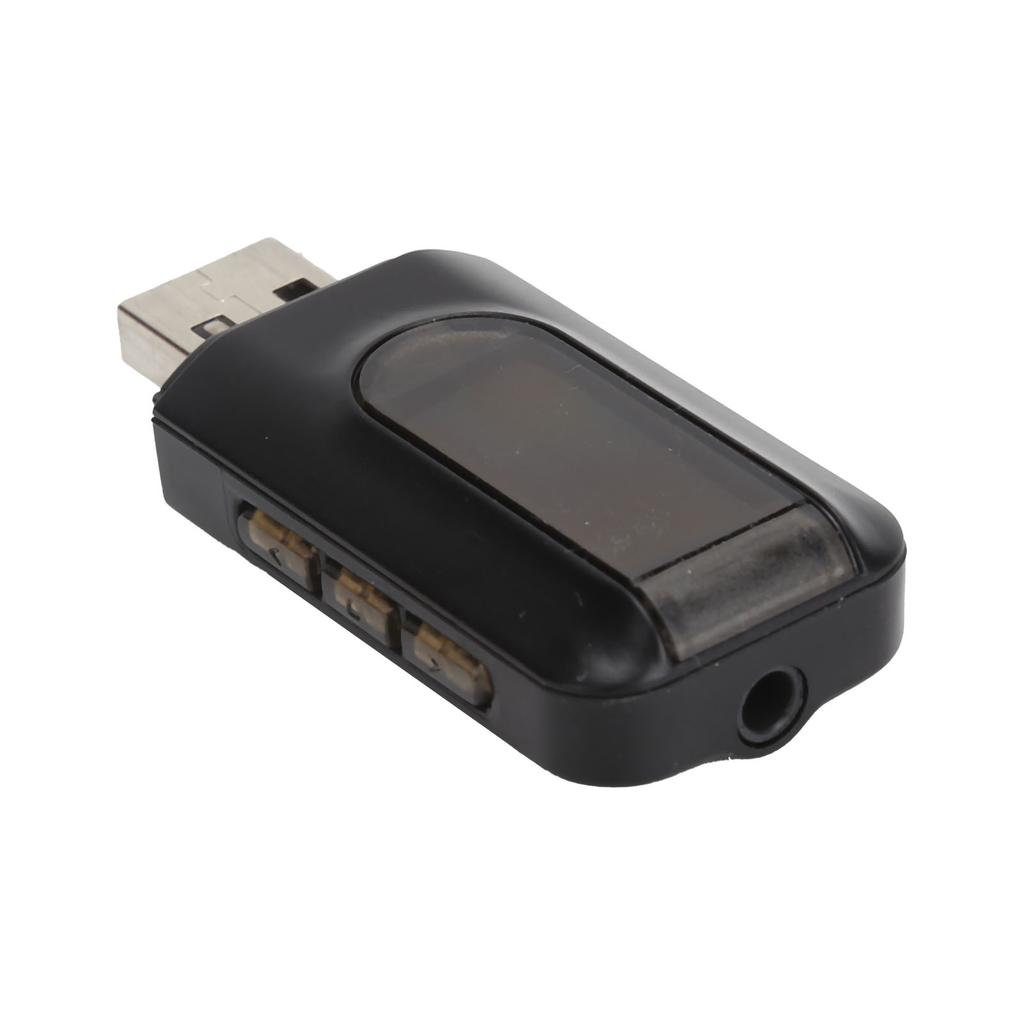
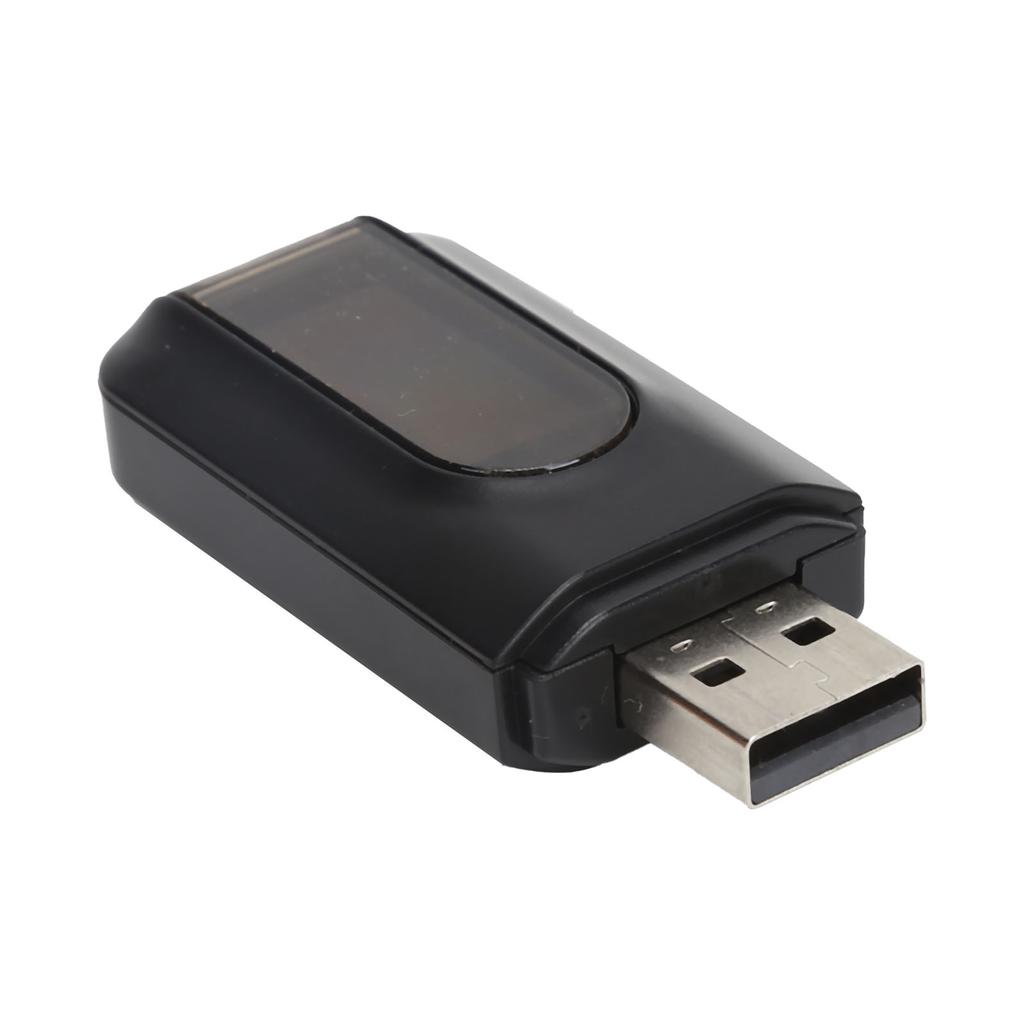
Feature:
1. Audio adapters enable TV and other non‑bluetooth devices to stream audio to bluetooth headsets via bluetooth, or enable home stereo bluetooth to receive wireless music from mobile phones and tablets. (Note: This device cannot be used to answer calls.)
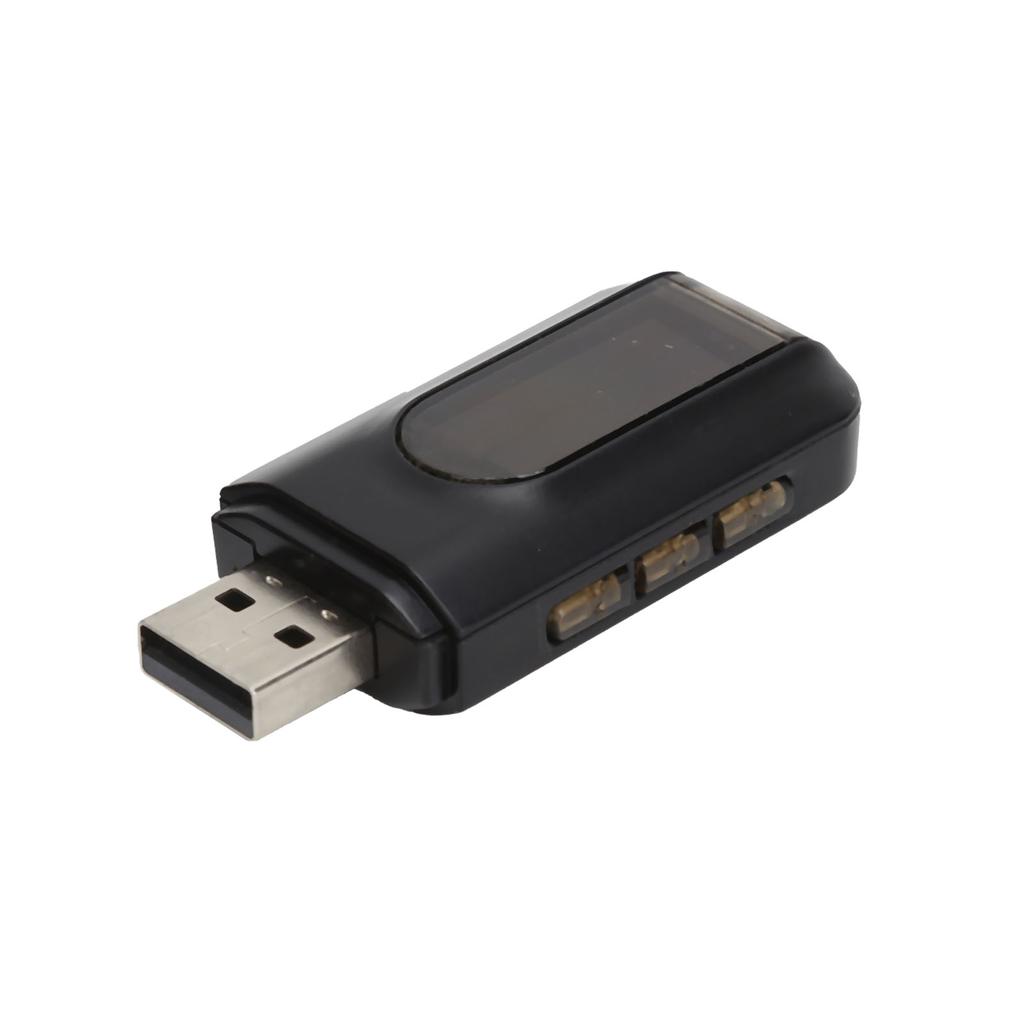
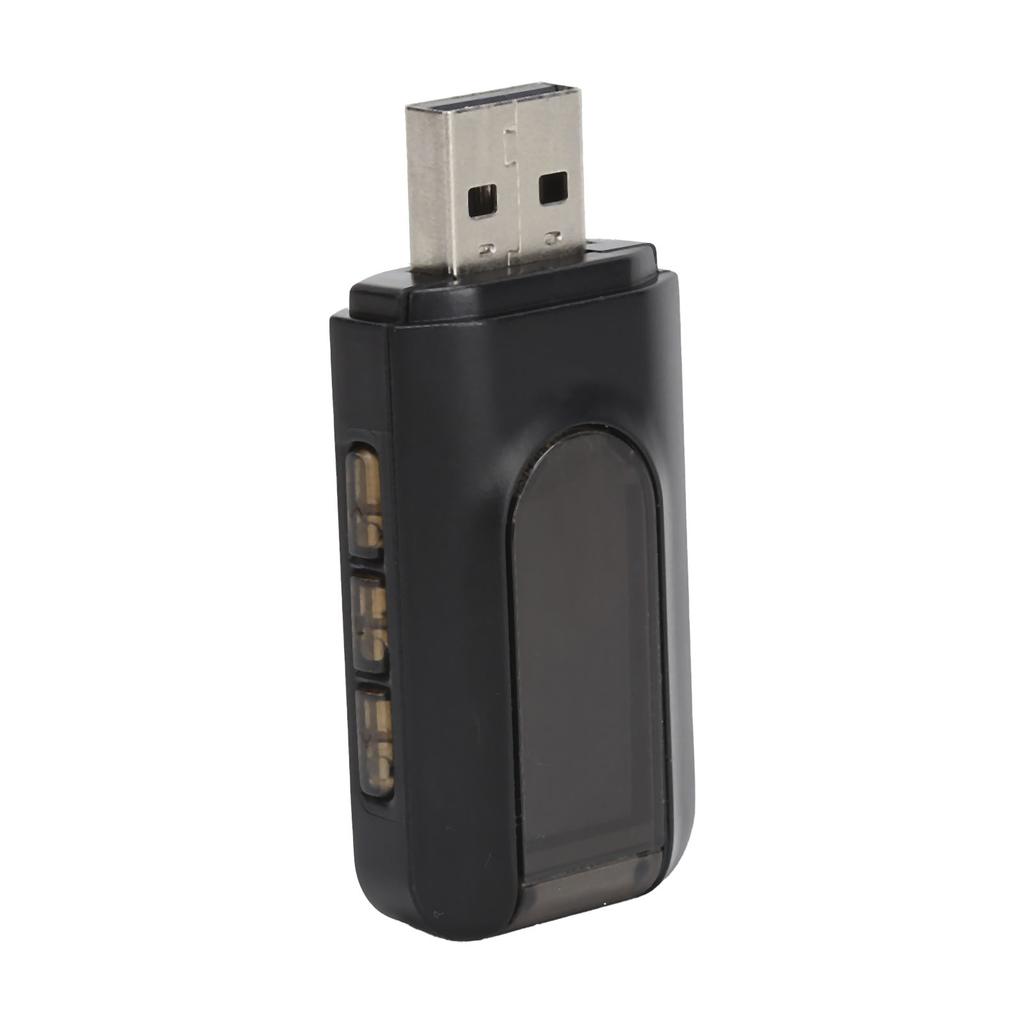
2. In transmitter mode, the display can search and display 8 nearby bluetooth devices for you to connect at the same time, which is more intuitive and easy to use. In the receiving mode, you can adjust the volume, play songs and play songs, etc.
3. Bluetooth 5.0+ EDR can make the connection with the device more stable. The maximum distance can be up to 50 feet in the open air and 35 feet indoors.
4. You can enjoy TV programs or CD‑like music from smart phones or other bluetooth devices through the mini bluetooth transceiver.
5. Bluetooth adapter provides a built‑in AEC noise cancellation and ANC anti‑noise circuit, allowing you to enjoy HiFi sound quality.
6. Compatible with amplifier, TV, Bluet stereo, Bluet headset, laptop, desktop, mobile phone, car radio, etc.
7. When in use, it is charged through the USB port. Bluetooth quickly matches and connects, making it more convenient to use.
Specification:
Item Type: Bluetooth Transmitter Receiver
Material: PVC
Interface: USB
Transmission Rate: 100 (Mbps)
Effective Working Radius: Approx. 10m 32.8ft
Bluetooth Version: Bluetooth 5.0
Working Frequency: 100 (MHz)
Input voltage: DC 5V
Input Interface: 3.5 mm audio connector
How to Use:
Transmitting Mode:
Step Turn on:
Insert the USB audio adapter directly into the USB port of the desktop or laptop, the unit will automatically turn on the power, and then the display shows TX Searching... indicating that the adapter is in transmitter mode (otherwise, press and hold the button < at the same time And the button > to switch the Bluetooth receiving mode to the Bluetooth transmitting mode).
Note: If you use the product on a TV, please connect it to the TV with a 3.5mm audio cable first. Desktop and laptop computers do not need to connect 3.5 mm audio cable (3.5 audio output port or RCA audio output port).
Step Auto pairing:
Turn on the bluetooth headset or bluetooth speaker to make sure they are in pairing mode. Wait until the bluetooth transmitter and bluetooth headset bluetooth speaker are automatically paired. After successful pairing, the display will show Paired X (X is bluetooth ID) , and then you can play music or video on your computer, and the sound will be transmitted to the bluetooth headset or speaker.
Note: After the bluetooth pairing is completed, long press the selection button ■ to search again.
Press the up button < or down button > to select the desired bluetooth device, and then press the select button m to confirm the selection. If the pairing fails, you can turn off the power, then restart the bluetooth transmitter and bluetooth headset bluetooth speaker, repeat the above steps, and then try several times. If you use this product on a TV, please confirm which RCA port is the audio output port. The device needs to be connected to the RCA or 3.5mm audio output port instead of the audio input port.
Receiving Mode:
Designed for car stereos speakers headphones and most mobile devices with 3.5mm auxiliary ports, making ordinary speakers instantly become wireless bluetooth stereo speakers, wirelessly transmitting music from smart phones to car or home stereo systems.
Step Turn on:
1. First use a 3.5mm audio cable (Aux in the interface) to connect to the speaker, and then turn on the power of the USB audio adapter (plug into the USB port of the speaker mobile power supply.)
2. The display shows RXBT disconnect , indicating that the adapter is in receiver mode (otherwise, please long press the upper button < and the lower button > )
Step Pair with smartphone:
Enable bluetooth on your smartphone in the settings and search for Wireless Music Adapter. After successful pairing, the display shows RX BT Music , and then you can play music on your smartphone, and the sound will be transmitted to the speaker.
Note:
1. If the pairing fails, please turn off the bluetooth of the mobile phone, or turn off the power of the adapter, then turn on the bluetooth, restart the adapter, repeat the above steps, and then try again.
2. Make sure that the audio cable interface is an audio input port. The device needs to be connected to the 3.5mm audio input port instead of the audio output port..
Package List:
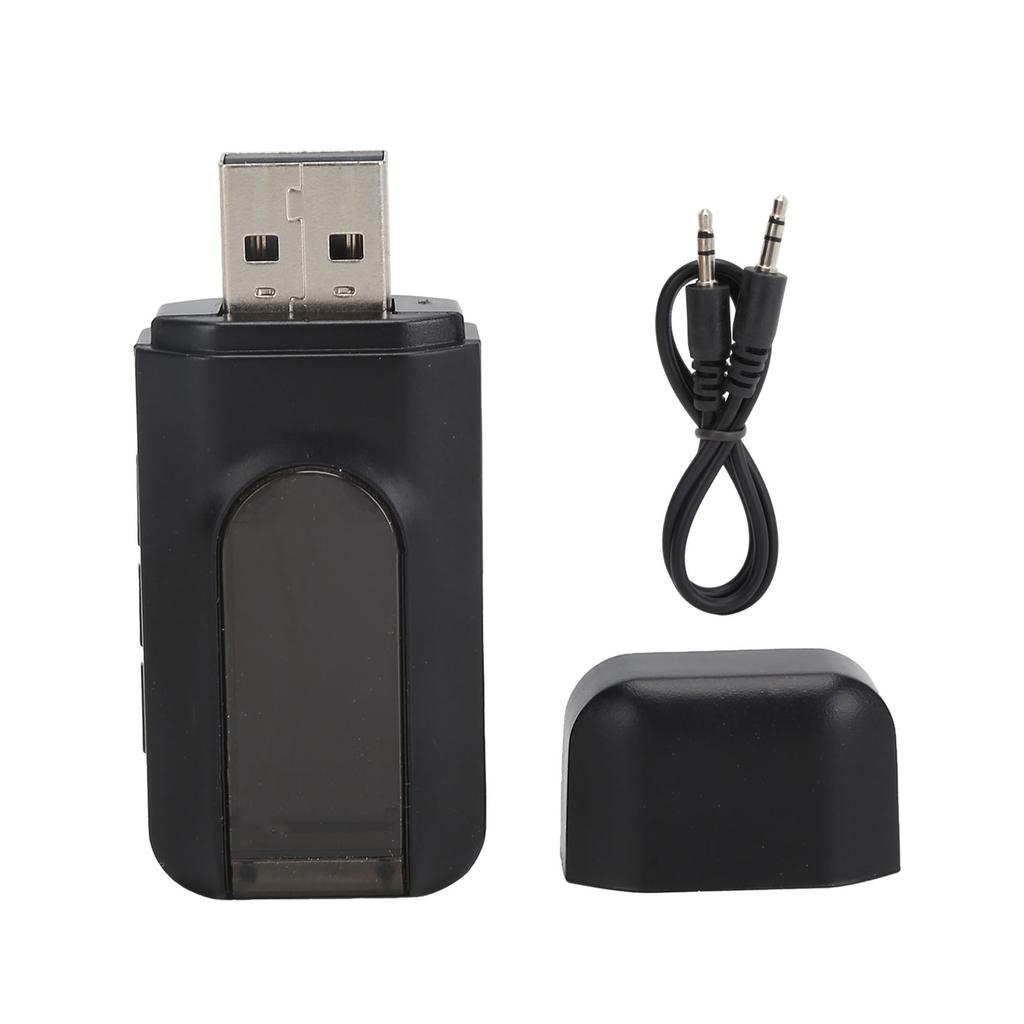
1 x Bluetooth Adapter 1 x Audio Cable1 x Manual